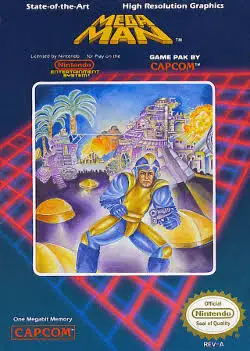
Mega Man
A landmark action-platformer that introduced one of video...

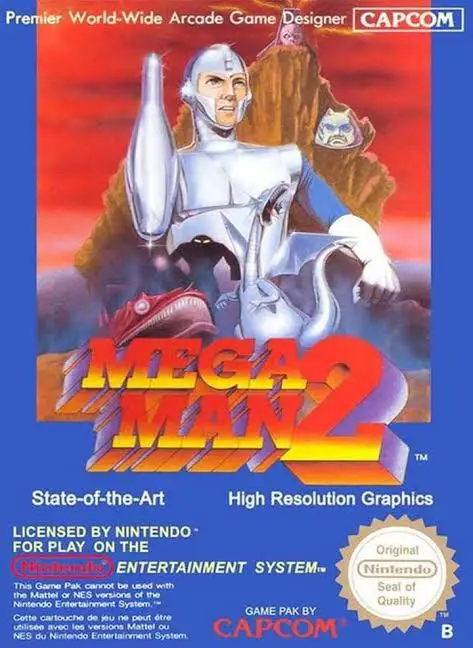
Mega Man 2 (released in Japan as Rockman 2: Dr. Wily no Nazo) is an iconic action-platformer developed and published by Capcom for the Nintendo Entertainment System (NES) and Famicom (FC). Following the modest commercial success of the first game, Capcom gave the development team more time and resources, resulting in a sequel that vastly outperformed the original in every category.
The story follows Dr. Wily returning with a new army of eight Robot Masters: Metal Man, Air Man, Bubble Man, Quick Man, Wood Man, Crash Man, Flash Man, and Heat Man. Mega Man must defeat them to claim their powers before storming Wily’s high-tech island fortress.
Mega Man 2 introduced groundbreaking series staples that became permanent fixtures of the franchise. It added the Energy Tank (E-Tank) item to restore health anywhere during a stage, an alphanumeric Password System to save progress, and two utility support items (Item-1, Item-2, Item-3) to create platforms and scale vertical walls. Combined with balanced difficulty settings, responsive controls, and an immortal musical score composed by Takashi Tateishi, Mega Man 2 is a definitive retro classic.
| Feature | Detail |
| Title | Mega Man 2 |
| Platform | Nintendo Entertainment System (NES) / Famicom (FC) |
| Developer | Capcom |
| Publisher | Capcom |
| Release Date | December 24, 1988 (JP) / June 1989 (NA) / December 14, 1989 (EU) |
| Genre | Action / Platformer |
| Game Modes | Single-player |
| Media Format | ROM Cartridge (NES-EE-USA) |
Energy Tank System: Collect and store up to four E-Tanks to instantly refill Mega Man’s health bar during difficult boss fights.
Password Continue System: Use convenient dot-matrix password grids to save your game progress between play sessions.
Eight Unique Robot Masters: Defeat iconic bosses to acquire powerful abilities like Metal Blades, Time Stoppers, and Leaf Shields.
Utility Item Adaptors: Unlock special platform items to bridge wide gaps and scale vertical walls safely.
Legendary Chiptune Score: Experience some of the most celebrated musical themes in video game history, including the famous Bubble Man and Wily Castle tracks.
A: A highly efficient boss order is starting with Metal Man (whose Metal Blade weapon is famously overpowered and effective against multiple bosses), then proceeding to Bubble Man, Heat Man, Wood Man, Air Man, Crash Man, Flash Man, and finally Quick Man.
A: The Metal Blade consumes very little energy, can be fired in eight directions (including diagonally and straight up/down), pierces certain enemies, and serves as the primary weakness for several Robot Masters, making it exceptionally versatile.
A: The Boobeam Trap consists of turret walls that require careful management of Crash Bombs. You must use your Crash Bombs exclusively on the five barriers blocking the turrets while conserving enough weapon energy to destroy the central core, making it one of the toughest puzzles in the game.
A: Yes! When starting a new game, you can choose between “Normal” mode (which features balanced damage scaling) and “Difficult” mode (originally the Japanese normal setting, which increases enemy damage and adjusts certain boss behaviors).
Download directly from this site, or use a cloud drive link below
⚠️ Download Tips:
A landmark action-platformer that introduced one of video...
A thrilling conclusion to the original 8-bit trilogy, Nin...
A masterclass in 8-bit action platforming, Ninja Gaiden I...
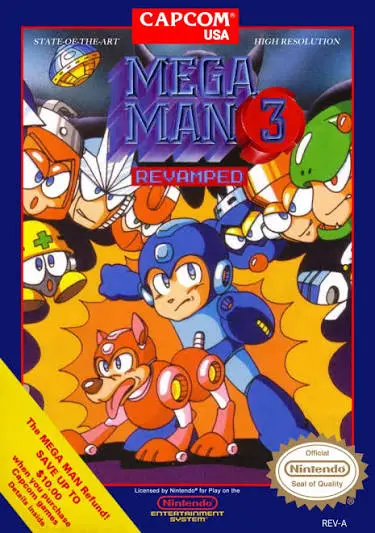
A monumental chapter in 8-bit gaming, Mega Man 3 expanded...
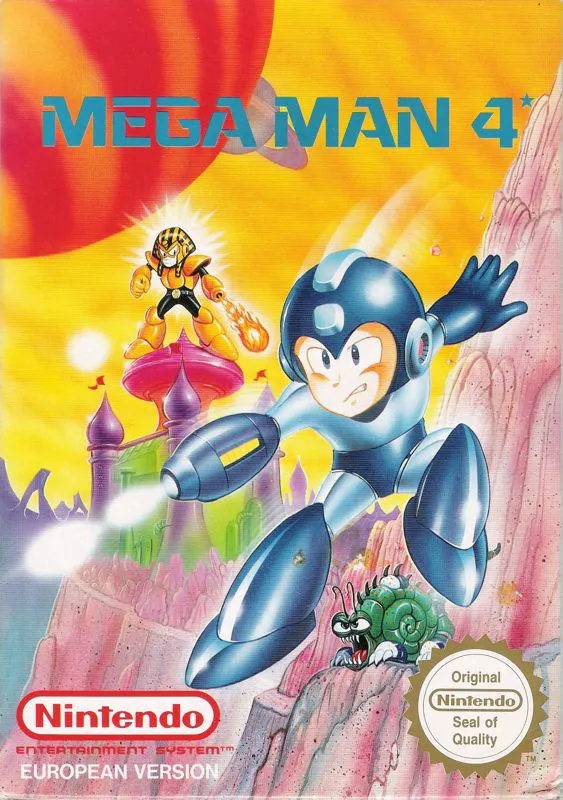
An action-packed chapter in 8-bit gaming history, Mega Ma...