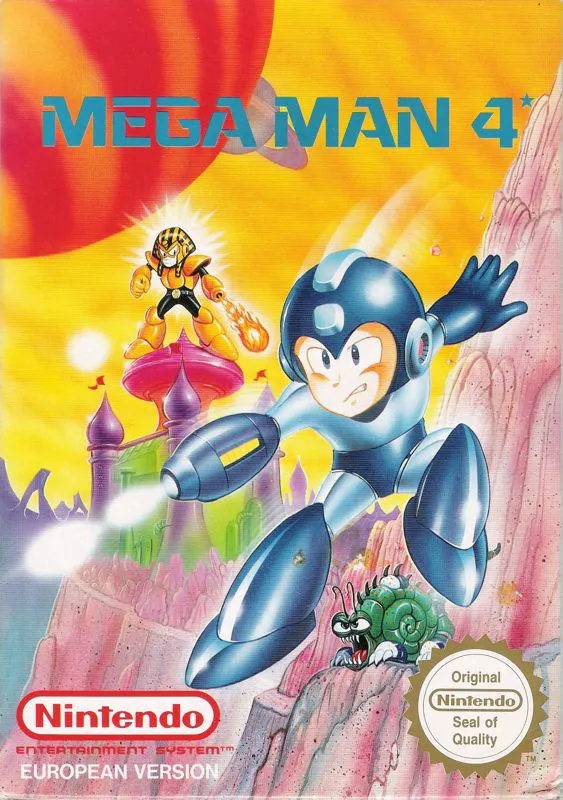
Mega Man 4
An action-packed chapter in 8-bit gaming history, Mega Ma...

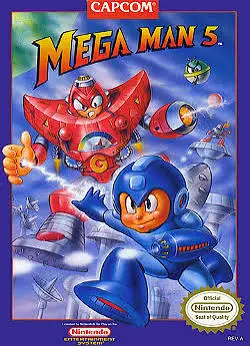
Mega Man 5 (released in Japan as Rockman 5: Blues no Wana!?) is a side-scrolling action-platformer developed and published by Capcom for the Nintendo Entertainment System (NES) and Famicom (FC). Released near the twilight of the NES era, the game pushed the 8-bit hardware to deliver crisp graphical assets, expansive stage layouts, and refined character animations.
The storyline takes a shocking turn when Proto Man—longtime ally and brother to Mega Man—suddenly leads an army of eight powerful new Robot Masters in a global campaign of terror: Gravity Man, Wave Man, Stone Man, Gyro Man, Star Man, Charge Man, Napalm Man, and Crystal Man. Mega Man must fight his way through their industrial and cosmic fortresses to uncover the truth behind Proto Man’s apparent villainy.
Gameplay builds upon the foundation of Mega Man 4 by upgrading the Charged Mega Buster into a wider plasma beam that covers more screen area. Furthermore, the game introduces Beat, a robotic support bird that can be assembled by collecting hidden letters (B-E-A-T) across specific stages to attack enemies automatically. With balanced weapon utility, creative level hazards, and a memorable chiptune soundtrack, Mega Man 5 is a beloved classic.
| Feature | Detail |
| Title | Mega Man 5: The Planet of the Robots! |
| Platform | Nintendo Entertainment System (NES) / Famicom (FC) |
| Developer | Capcom |
| Publisher | Capcom |
| Release Date | December 4, 1992 (JP) / December 1992 (NA) / November 18, 1993 (EU) |
| Genre | Action / Platformer |
| Game Modes | Single-player |
| Media Format | ROM Cartridge (NES-5V-USA) |
Beat Support Bird: Collect hidden letter plates (B-E-A-T) scattered across levels to unlock the robotic bird companion, which swoops down to destroy onscreen enemies.
Upgraded Super Buster: Utilize an enhanced charge shot that covers a wider horizontal area and deals heavy damage to bosses.
Eight Unique Robot Masters: Absorb versatile weapons like the Gravity Hold, Water Wave, Power Stone, and Crystal Eye.
Rush Adaptor Support: Combine with Rush to access classic coil and jet transport options for difficult jumps.
Password System: Save your stage completion progress and collected letter items using a convenient grid password system.
A: A balanced and effective boss defeat order starts with Gravity Man, followed by Wave Man, Stone Man, Gyro Man, Star Man, Charge Man, Napalm Man, and Crystal Man.
A: To unlock Beat, you must find and collect the four hidden letter panels spelling out B-E-A-T located in specific stages (Gravity Man, Wave Man, Stone Man, and Gyro Man). Once all four are collected, Beat becomes permanently available for use.
A: It is revealed later in the game that Proto Man’s apparent betrayal was actually a plot orchestrated by Dr. Wily, who framed Proto Man using a robotic imposter named Dark Man. The real Proto Man ultimately arrives to reveal the truth and help Mega Man defeat Dr. Wily.
A: Alongside returning Rush functions, players can collect the Super Arrow adaptor in Star Man’s stage, which allows Mega Man to fire temporary platform arrows into walls to scale vertical shafts.
Download directly from this site, or use a cloud drive link below
⚠️ Download Tips:
An action-packed chapter in 8-bit gaming history, Mega Ma...
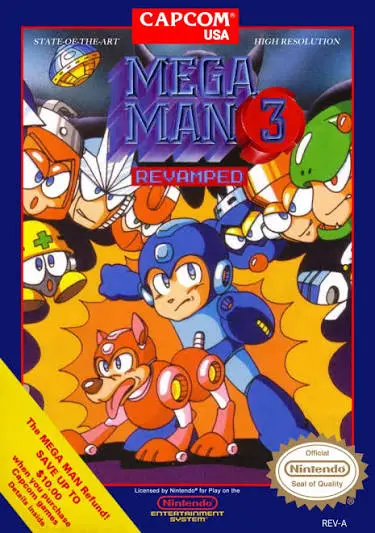
A monumental chapter in 8-bit gaming, Mega Man 3 expanded...
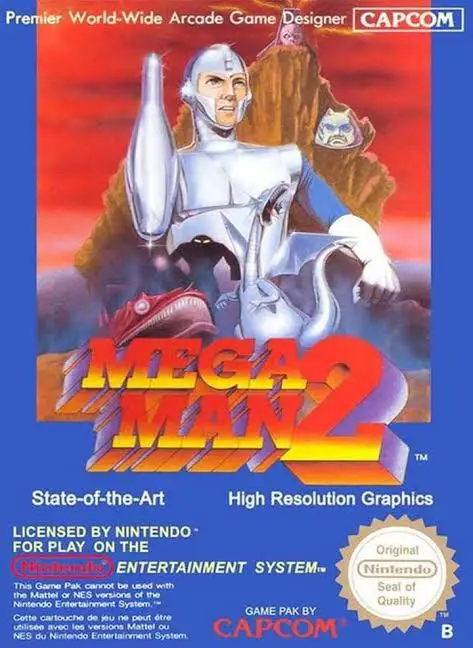
Widely celebrated as the absolute pinnacle of the 8-bit f...
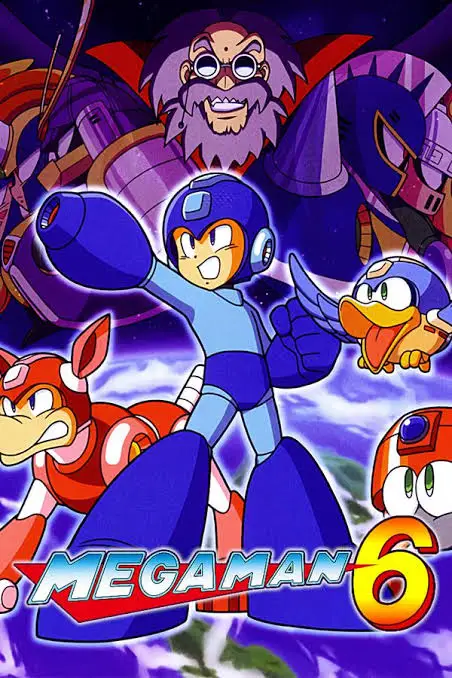
The grand 8-bit finale for the legendary Capcom franchise...
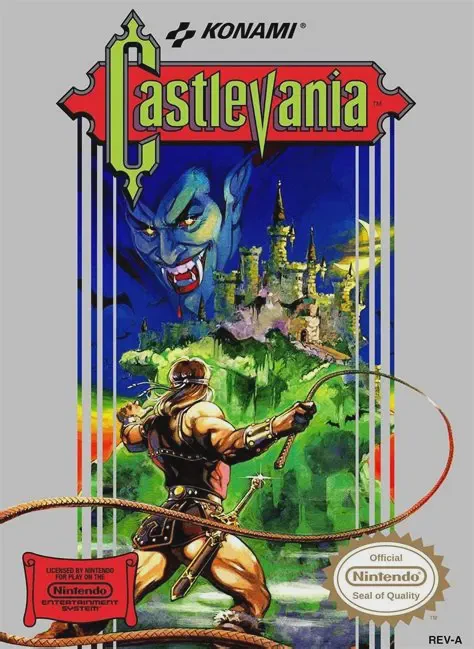
Castlevania is a classic 1986 side-scrolling platformer d...