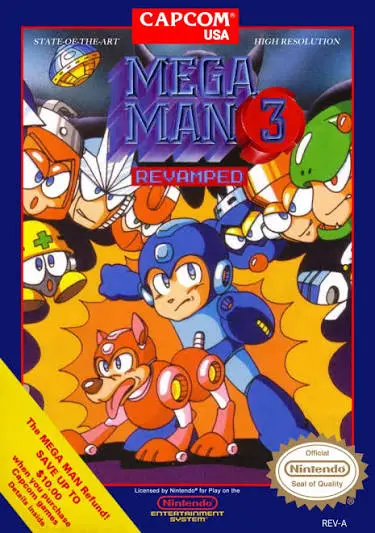
Mega Man 3
A monumental chapter in 8-bit gaming, Mega Man 3 expanded...

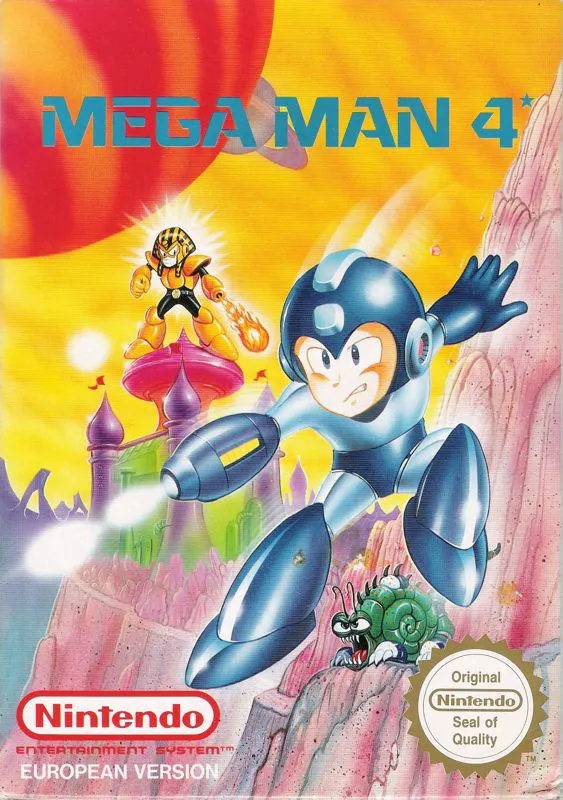
Mega Man 4 (released in Japan as Rockman 4: A New Ambition!?) is a side-scrolling action-platformer developed and published by Capcom for the Nintendo Entertainment System (NES) and Famicom (FC). Building upon the foundation of its three predecessors, this entry delivered major mechanical enhancements that became permanent fixtures across the entire series.
The story introduces a new antagonist: Dr. Cossack, a brilliant scientist who challenges Dr. Light by deploying eight new Robot Masters—Toad Man, Bright Man, Pharaoh Man, Ring Man, Dust Man, Skull Man, Dive Man, and Drill Man. Mega Man must defeat these rogue creations, uncover the dark truth behind Dr. Cossack’s sudden aggression, and rescue Dr. Cossack’s daughter Kalinka from captivity.
The game’s defining innovation is the New Mega Buster, which allows players to hold the attack button to charge energy for a high-powered blast. Mega Man 4 also introduced hidden utility tools, including the Wire Adaptor and Balloon Adaptor, alongside returning favorites like Rush Coil and Rush Jet. Featuring crisp controls, detailed visual animations, and an engaging soundtrack, Mega Man 4 stands as a refined retro classic.
| Feature | Detail |
| Title | Mega Man 4 |
| Platform | Nintendo Entertainment System (NES) / Famicom (FC) |
| Developer | Capcom |
| Publisher | Capcom |
| Release Date | December 6, 1991 (JP) / January 1992 (NA) / January 21, 1993 (EU) |
| Genre | Action / Platformer |
| Game Modes | Single-player |
| Media Format | ROM Cartridge (NES-4M-USA) |
Charge Shot Mechanics: Master the New Mega Buster charge shot to fire high-damage plasma blasts at tough enemies and bosses.
Eight Unique Robot Masters: Acquire dynamic weapon abilities including the Flash Stopper, Pharaoh Shot, Rain Flush, and Skull Barrier.
Secret Utility Adaptors: Discover the hidden Wire Adaptor and Balloon Adaptor to grapple onto ceilings and spawn temporary platforms.
Multi-Fortress Storyline: Journey through Dr. Cossack’s citadel before infiltrating Dr. Wily’s secret fortress.
Password System: Save your progress, stored Energy Tanks, and unlocked adaptors using a convenient grid-password system.
A: A widely recommended boss defeat order starts with Toad Man (easily defeated using the standard Mega Buster charge shot), followed by Drill Man, Toad Man’s weapon against Bright Man, then Pharaoh Man, Ring Man, Dust Man, Skull Man, and Dive Man.
A: The Balloon Adaptor is located in Pharaoh Man’s stage inside a hidden pit on the lower path before the mid-stage. The Wire Adaptor is hidden in Dive Man’s stage beneath a destroyable floor block accessed by utilizing the Hole or Drill weapons.
A: Dr. Wily kidnapped Dr. Cossack’s daughter, Kalinka, and forced the Russian scientist to build a Robot Master army to destroy Mega Man. Proto Man rescues Kalinka during the battle at Cossack’s citadel, exposing Dr. Wily as the true mastermind.
A: The Pharaoh Shot allows Mega Man to charge a massive fireball above his head. The charged ball deals contact damage to overhead enemies while being held and can then be launched across the screen for heavy damage.
Download directly from this site, or use a cloud drive link below
⚠️ Download Tips:
A monumental chapter in 8-bit gaming, Mega Man 3 expanded...
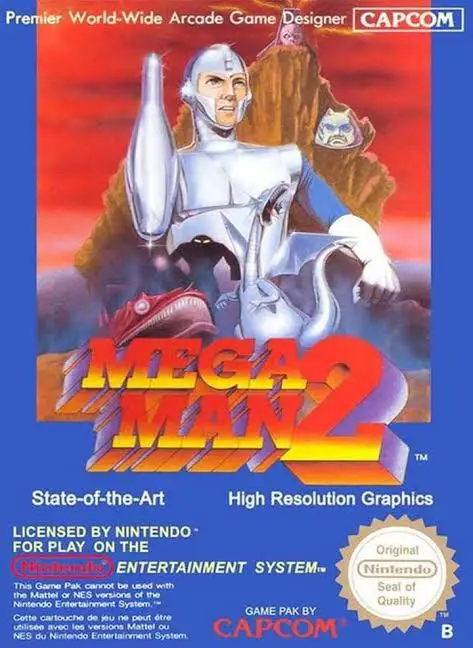
Widely celebrated as the absolute pinnacle of the 8-bit f...
A landmark action-platformer that introduced one of video...
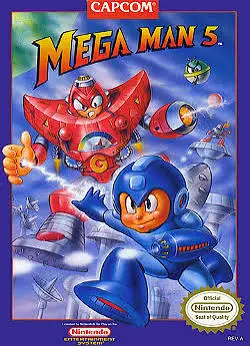
An action-packed chapter in 8-bit gaming, Mega Man 5: The...
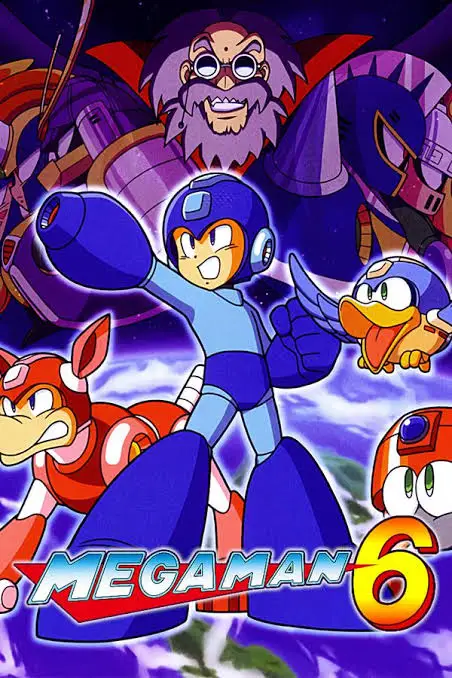
The grand 8-bit finale for the legendary Capcom franchise...