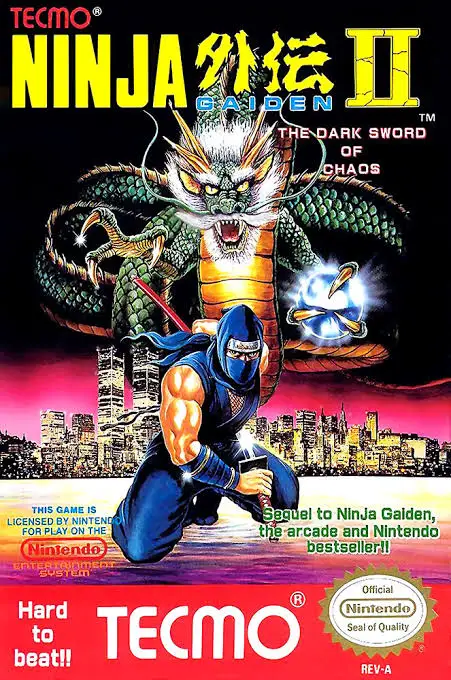
Ninja Gaiden II: The Dark...
A masterclass in 8-bit action platforming, Ninja Gaiden I...

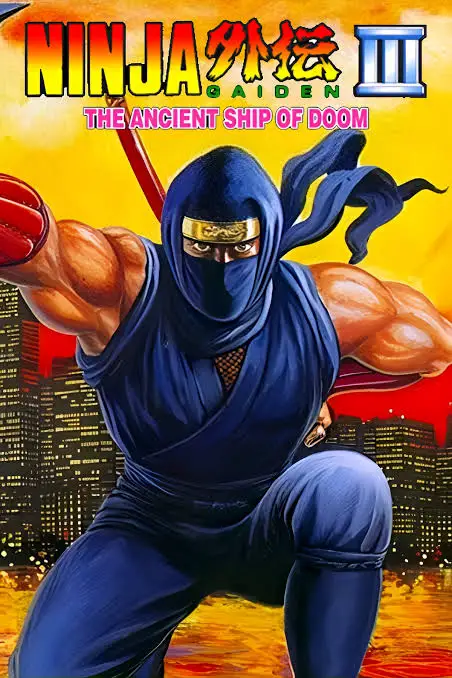
Ninja Gaiden III: The Ancient Ship of Doom (released in Japan as Ninja Ryūkenden III: Yami no Hakobune) is an action-platformer developed and published by Tecmo for the Nintendo Entertainment System (NES) and Famicom (FC). Released in 1991, the final installment of the NES trilogy balanced the punishing difficulty of its predecessors with more accessible design choices.
The storyline unfolds between the events of the first and second games. Ryu is shocked to discover someone posing as him has attacked a military laboratory and seemingly killed his ally Irene Lew. His search for answers leads him aboard the mysterious “Ancient Ship of Doom,” a massive floating bio-mechanical vessel controlled by a mad scientist named Clancy.
Gameplay retains the signature sword-slashing and cinematic cutscenes of the series while introducing key mobility upgrades. Ryu can now grab onto overhead ledges and climb upward, adding new vertical dimensions to level design. Furthermore, the game reduced the knockback penalty that plagued earlier titles and increased the default sword’s attack range. Combined with changing environmental lighting and an atmospheric chiptune soundtrack, Ninja Gaiden III is a fantastic retro finale.
| Feature | Detail |
| Title | Ninja Gaiden III: The Ancient Ship of Doom |
| Platform | Nintendo Entertainment System (NES) / Famicom (FC) |
| Developer | Tecmo |
| Publisher | Tecmo |
| Release Date | June 26, 1991 (JP) / August 1992 (NA) |
| Genre | Action / Platformer |
| Game Modes | Single-player |
| Media Format | ROM Cartridge (NES-N3-USA) |
Overhead Ledge Climbing: Hang from and climb across horizontal ropes and ledges to navigate intricate stage hazards.
Expanded Attack Range: Experience balanced weapon mechanics with increased sword reach and more forgiving hit detection.
Compelling Mystery Plot: Follow a dramatic narrative where Ryu is framed for murder, leading to unexpected twists and sci-fi horrors.
Password Continue System: Utilize a convenient password feature to resume your progress across multi-act chapters without starting fresh.
Cinematic Intermissions: Enjoy dramatic storytelling cutscenes that drive the narrative forward between fast-paced levels.
A: Generally, yes. The North American version of Ninja Gaiden III introduced a password system, reduced the frustrating knockback damage effect that knocked players into pits, and gave players a higher health bar limit, making it the most approachable game in the original NES trilogy.
A: Uniquely, Tecmo made the North American NES release of Ninja Gaiden III significantly harder than the Japanese Famicom version by cutting the player’s damage output in half, lowering the maximum timer, and removing infinite continues (forcing players to use passwords instead).
A: Ryu can now grab onto overhead bars and ropes, allowing him to hang underneath platforms, crawl across gaps, and climb upward to reach elevated pathways.
A: No, the Shadow Clone from Ninja Gaiden II is absent. Instead, players collect spirit items to power up their sword with temporary energy beams or utilize familiar projectile sub-weapons like shuriken and fire wheels.
Download directly from this site, or use a cloud drive link below
⚠️ Download Tips:
A masterclass in 8-bit action platforming, Ninja Gaiden I...
A legendary action-platformer famed for its cinematic sto...
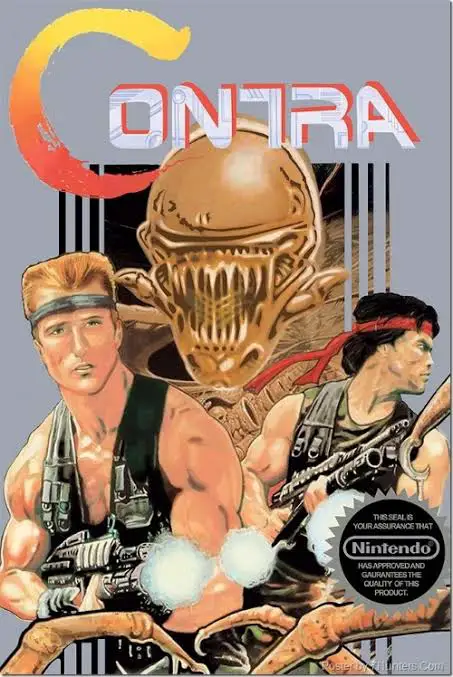
An iconic run-and-gun action shooter, Contra set the gold...
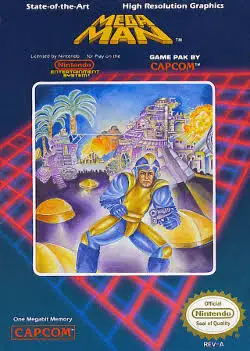
A landmark action-platformer that introduced one of video...
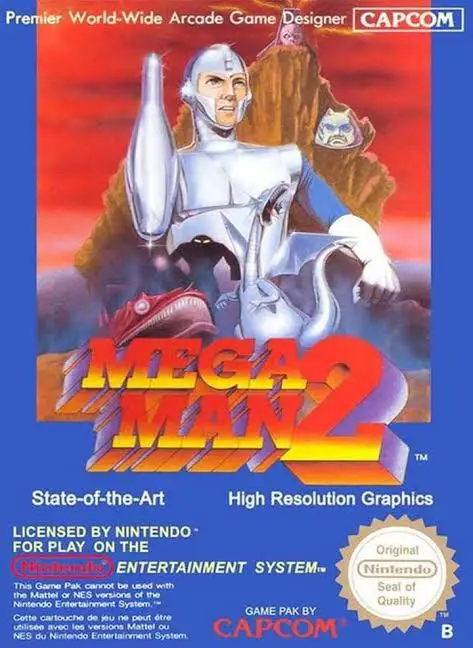
Widely celebrated as the absolute pinnacle of the 8-bit f...