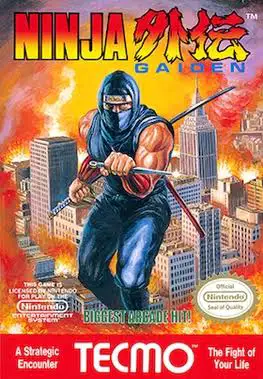
Ninja Gaiden
A legendary action-platformer famed for its cinematic sto...

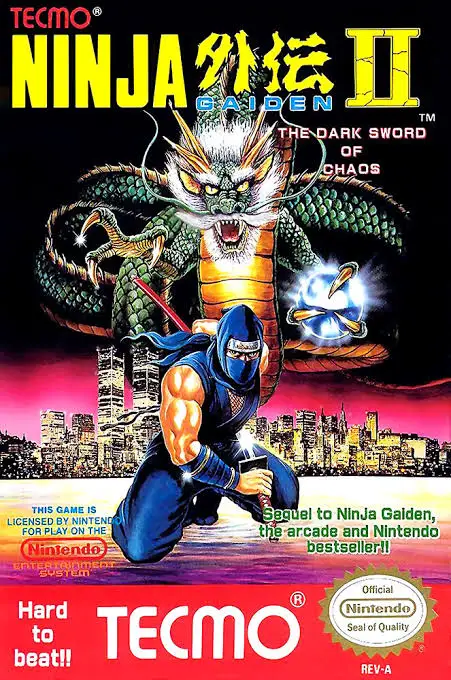
Ninja Gaiden II: The Dark Sword of Chaos (released in Japan as Ninja Ryūkenden II: Ankheg no Jashin) is an action-platformer developed and published by Tecmo for the Nintendo Entertainment System (NES) and Famicom (FC). Released in 1990, the sequel built directly upon the critical success of the original game while introducing new technical marvels and gameplay mechanics.
The narrative takes place one year after the defeat of Jaquio, following Ryu as he races to rescue his companion Irene Lew and confront a new threat known as Malum. Gameplay spans seven expansive acts filled with treacherous platforming traps, enemy ambushes, and punishing boss encounters.
The sequel introduced significant quality-of-life and combat enhancements. Ryu can now climb up and down walls more smoothly and switch directions without dropping off. Furthermore, players can collect spirit items to unlock the fierce Spinning Slash Art and the iconic Shadow Clone (or Doppelganger) power-up, which duplicates Ryu’s exact movements and attacks to double his offensive firepower. Combined with gorgeous visual backdrops, wind and rain weather hazards, and a legendary musical score, Ninja Gaiden II is an essential retro masterpiece.
| Feature | Detail |
| Title | Ninja Gaiden II: The Dark Sword of Chaos |
| Platform | Nintendo Entertainment System (NES) / Famicom (FC) |
| Developer | Tecmo |
| Publisher | Tecmo |
| Release Date | April 6, 1990 (JP) / May 1990 (NA) / 1991 (EU) |
| Genre | Action / Platformer |
| Game Modes | Single-player |
| Media Format | ROM Cartridge (NES-NG2-USA) |
Shadow Clone Power-Up: Collect the phantom spirit orb to summon a shadow duplicate that mimics Ryu’s sword swings and jumps in real time.
Enhanced Wall Mobility: Master improved wall-climbing physics that allow seamless vertical movement and directional switches.
Dynamic Environmental Hazards: Navigate treacherous stages featuring realistic weather effects like heavy rainfall, howling winds, and pitch-black darkness.
Expanded Sub-Weapons: Utilize upgraded projectile sub-weapons, fire wheels, and powerful special sword techniques against enemies.
Cinematic Intermissions: Experience advanced storytelling cutscenes that continue the dramatic saga between action-packed stages.
A: When you collect the phantom spirit item, a translucent copy of Ryu follows directly behind you, duplicating every sword slash and jump you make. This effectively doubles your attack range and damage output until you take damage or finish the stage.
A: Generally, no—Ninja Gaiden II retains the series’ notorious difficulty. However, it introduces slightly more forgiving checkpoint systems and smoother wall-climbing controls that give players better maneuverability compared to the first game.
A: Certain stages feature dynamic environmental challenges, such as Stage 3 where flashes of lightning temporarily illuminate a pitch-black screen, or wind stages that actively push Ryu’s jumps off course.
A: Unlike the first game, the North American version of Ninja Gaiden II features a password system displayed upon receiving a Game Out, allowing players to resume their progress from later acts using specific code combinations.
Download directly from this site, or use a cloud drive link below
⚠️ Download Tips:
A legendary action-platformer famed for its cinematic sto...
An iconic run-and-gun action shooter, Contra set the gold...
Widely regarded as one of the greatest video games ever c...
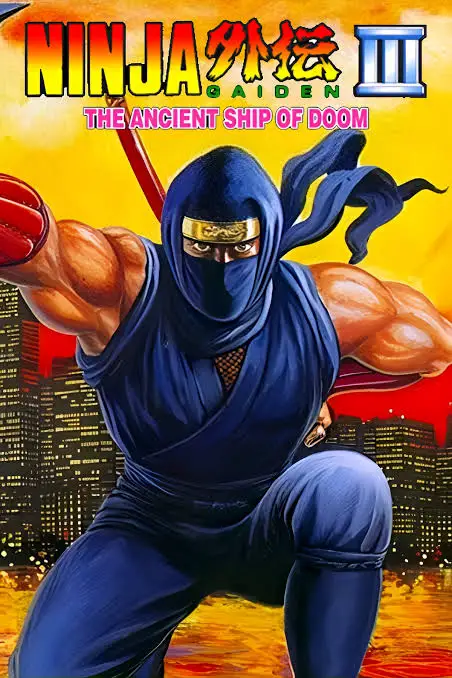
A thrilling conclusion to the original 8-bit trilogy, Nin...
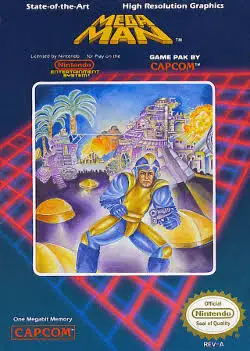
A landmark action-platformer that introduced one of video...