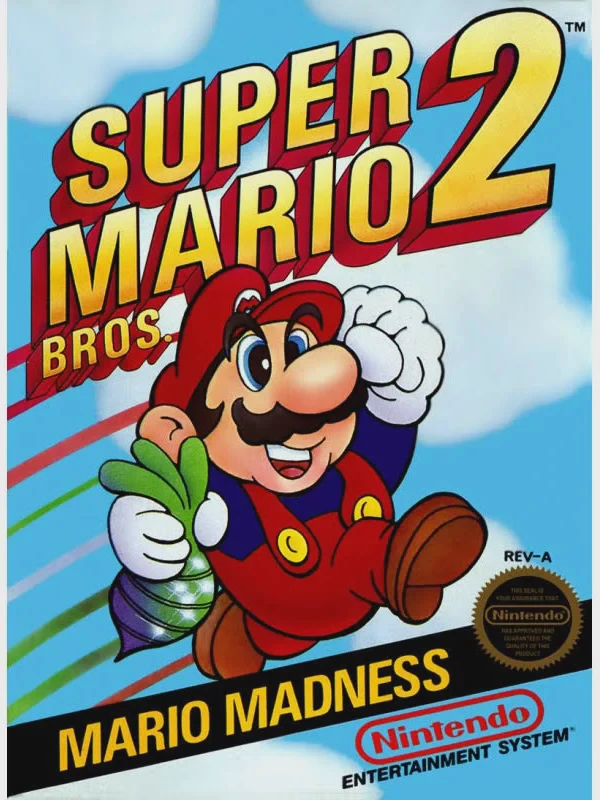
Super Mario Bros. 2
A creative departure from its predecessor, Super Mario Br...

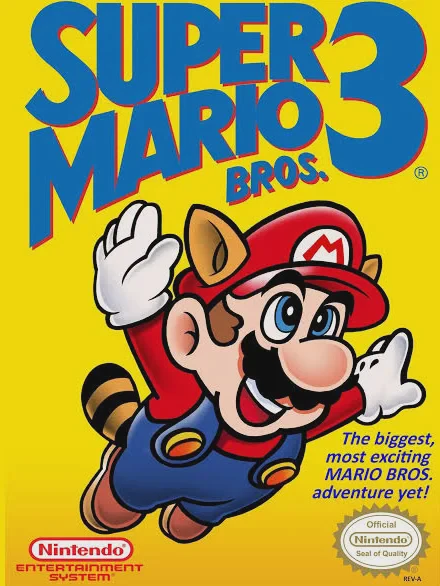
Super Mario Bros. 3 is a legendary platformer developed and published by Nintendo for the NES, representing the pinnacle of 8-bit game design. Created under the direction of Shigeru Miyamoto and Takashi Tezuka, the game vastly expanded the scope of the series by introducing non-linear level navigation, diverse environments, and deep gameplay mechanics.
Players travel through eight distinct worlds—including Grass Land, Desert Land, Water Land, and Dark Land—each governed by an interactive overworld map. On this map, players can choose alternate branching paths, encounter roving Hammer Bros., play Toad House memory mini-games for power-ups, and manage an inventory system that stores items for use before entering a stage.
The transformation system received a massive upgrade. The Super Leaf grants Mario raccoon ears and a tail to fly through the air, hover, and whip enemies. Other power-ups include the Tanooki Suit for turning into stone, the Frog Suit for swift swimming, the Hammer Suit for throwing heavy hammers, and the P-Wing for unlimited flight. Featuring airship battles against the Koopalings, crisp scrolling graphics, and tight physics controls, Super Mario Bros. 3 redefined the platforming genre.
| Feature | Detail |
| Title | Super Mario Bros. 3 |
| Platform | Nintendo Entertainment System (NES) / Famicom (FC) |
| Developer | Nintendo R&D4 |
| Publisher | Nintendo |
| Release Date | October 23, 1988 (JP) / February 12, 1990 (NA) |
| Genre | Platformer / Action |
| Game Modes | Single-player, 2-Player Alternating |
| Media Format | ROM Cartridge (NES-UM-USA) |
Interactive World Map: Navigate branching map paths, unlock shortcuts, visit Toad Houses, and encounter roaming mini-bosses across 8 worlds.
Item Inventory System: Store collected power-ups on the world map and strategically equip them before entering challenging stages.
Iconic Suit Transformations: Transform using the Super Leaf, Tanooki Suit, Frog Suit, Hammer Suit, and P-Wing for unique abilities.
Airship Boss Battles: Fight through scrolling airships at the end of each world to battle Bowser’s children, the seven Koopalings.
Secret Warp Whistles: Discover hidden Warp Whistles throughout early levels to skip straight to higher-numbered worlds.
A: The first whistle is in World 1-3 (duck on the white block and run behind the exit). The second is in World 1 Fortress (fly up with the Leaf above the ceiling at the end of the first room). The third whistle is obtained by defeating the roaming Fire Bro on the World 2 map.
A: Build up Mario’s speed meter (P-meter) by running continuously until it fills up and starts flashing, then repeatedly press the jump button to take flight and float through the air.
A: The P-Wing grants Mario maximum P-meter status for an entire level, allowing continuous, infinite flight until the stage is completed or Mario takes damage.
A: No, the original NES cartridge did not feature a battery save system. Players had to complete the game in one sitting or use hidden Warp Whistles to quickly jump to later worlds like Dark Land (World 8).
Download directly from this site, or use a cloud drive link below
⚠️ Download Tips:
A creative departure from its predecessor, Super Mario Br...
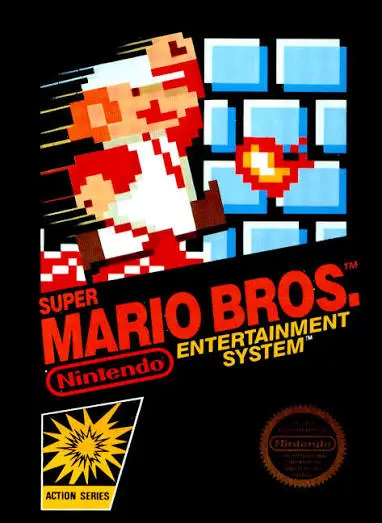
A landmark side-scrolling platformer, Super Mario Bros. r...
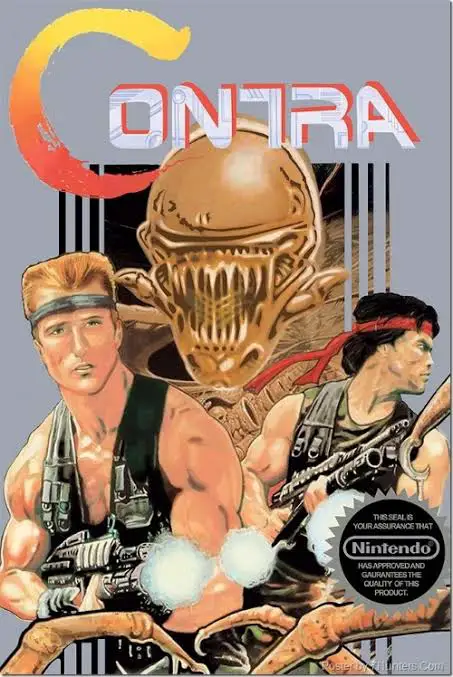
An iconic run-and-gun action shooter, Contra set the gold...
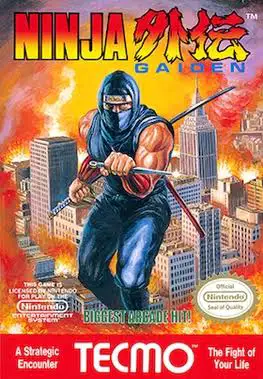
A legendary action-platformer famed for its cinematic sto...
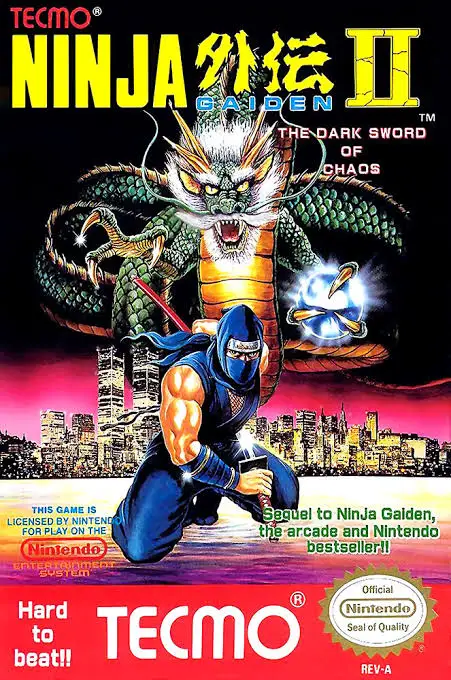
A masterclass in 8-bit action platforming, Ninja Gaiden I...