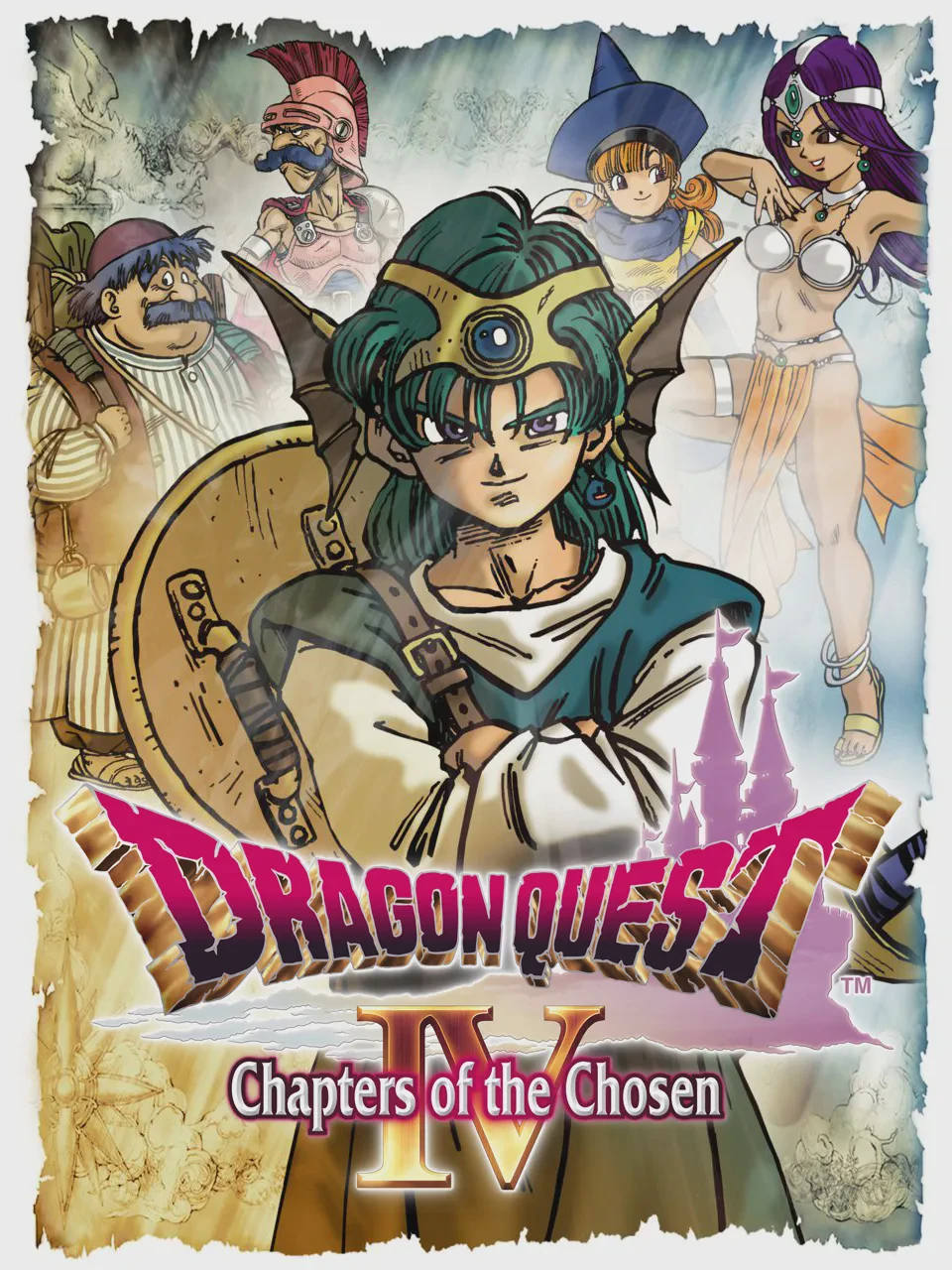
Dragon Quest IV: Chapters...
Dragon Quest IV: Chapters of the Chosen (originally relea...

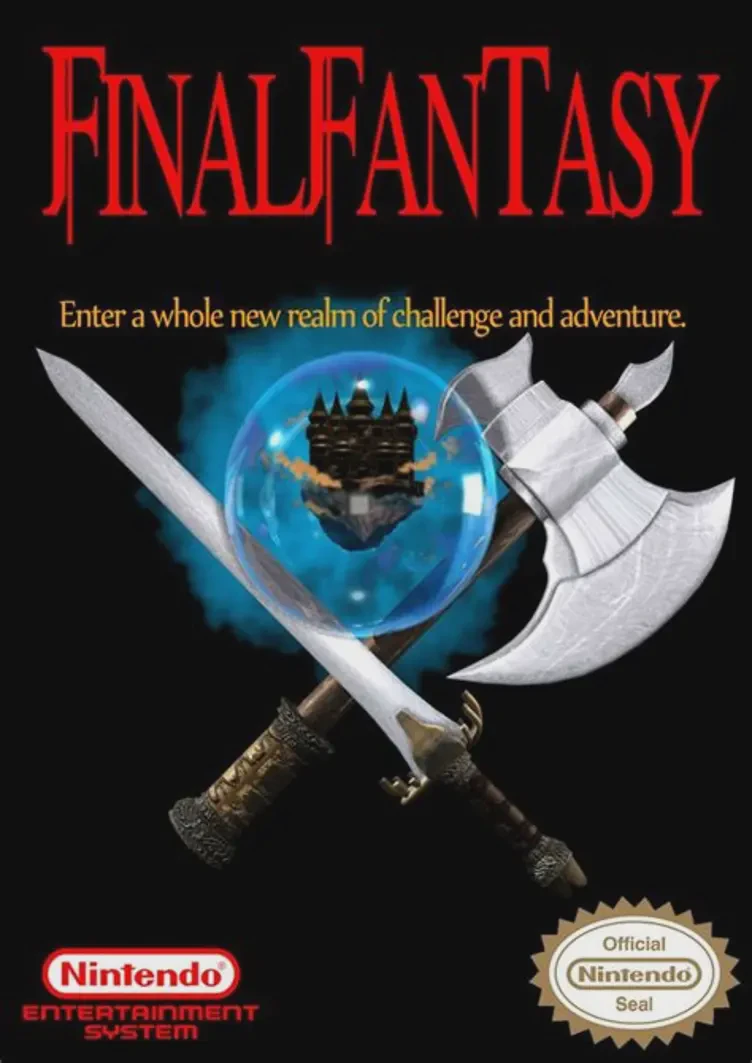
Final Fantasy redefined the Japanese role-playing genre by introducing a highly customizable party system, side-view turn-based combat, and an epic high-fantasy storyline. At the start of the adventure, players assemble a team of four heroes from six distinct character classes: Fighter, Black Belt, Thief, Red Mage, White Mage, and Black Mage. Each class offers unique strengths, from heavy physical defense to specialized offensive or restorative magic.
Exploration spans an immense overworld packed with towns, multi-level dungeons, and ancient ruins. As the journey progresses, your party unlocks various modes of transportation, including a sailing ship, a river canoe, and the iconic Airship to reach distant lands. Later in the game, completing the trial of Bahamut allows your heroes to undergo class promotions, unlocking advanced stats, superior equipment options, and high-tier magic spells.
With its iconic main theme composed by Nobuo Uematsu, memorable creature designs, and deep tactical combat, Final Fantasy stands as a timeless masterpiece that shaped the future of RPG video games.
| Feature | Details |
|---|---|
| Game Title | Final Fantasy |
| Platform | NES / Famicom (FC) |
| Genre | Role-Playing Game (RPG) |
| Developer | Square |
| Publisher | Square / Nintendo |
| Release Date | December 18, 1987 (Japan) / July 12, 1990 (North America) |
| Game Mode | Single-player |
| File Format | .nes |
A: The six starting character classes are Fighter (heavy warrior), Thief (agile physical attacker), Black Belt (unarmed martial artist), Red Mage (balanced melee and spellcaster), White Mage (healing and defensive magic specialist), and Black Mage (offensive elemental magic user).
A: To promote your party, obtain the Rat Tail item from the Citadel of Trials and bring it to Bahamut, the Dragon King, in the Dragon Caves. He will upgrade your party members into advanced job classes.
A: Unlike modern RPGs that use a shared MP (Magic Power) pool, Final Fantasy utilizes a spell charge system. Each magic tier (Levels 1 to 8) has a fixed number of casting charges, and each class can learn up to three spells per tier at town magic shops.
A: You obtain the Airship by acquiring the Levistone (Floating Stone) from the Ice Cave, bringing it to the Ryukahn Desert, and using it to unearth the buried Airship from the sand.
Download directly from this site, or use a cloud drive link below
⚠️ Download Tips:
Dragon Quest IV: Chapters of the Chosen (originally relea...

Dragon Quest III: The Seeds of Salvation (originally rele...
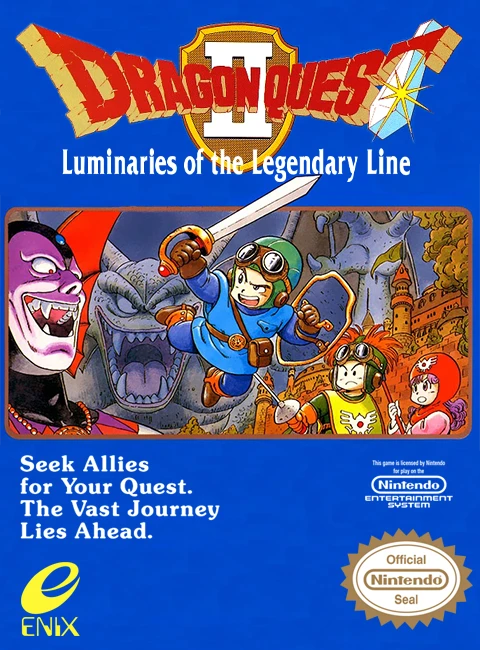
Dragon Quest II: Luminaries of the Legendary Line is a la...
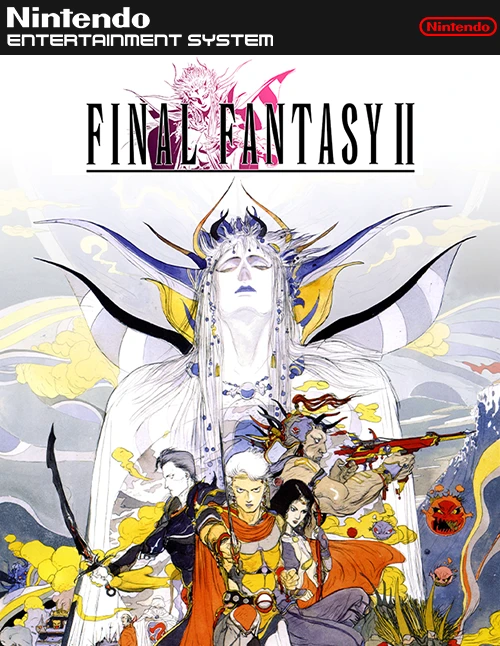
Final Fantasy II is an ambitious, story-driven role-playi...
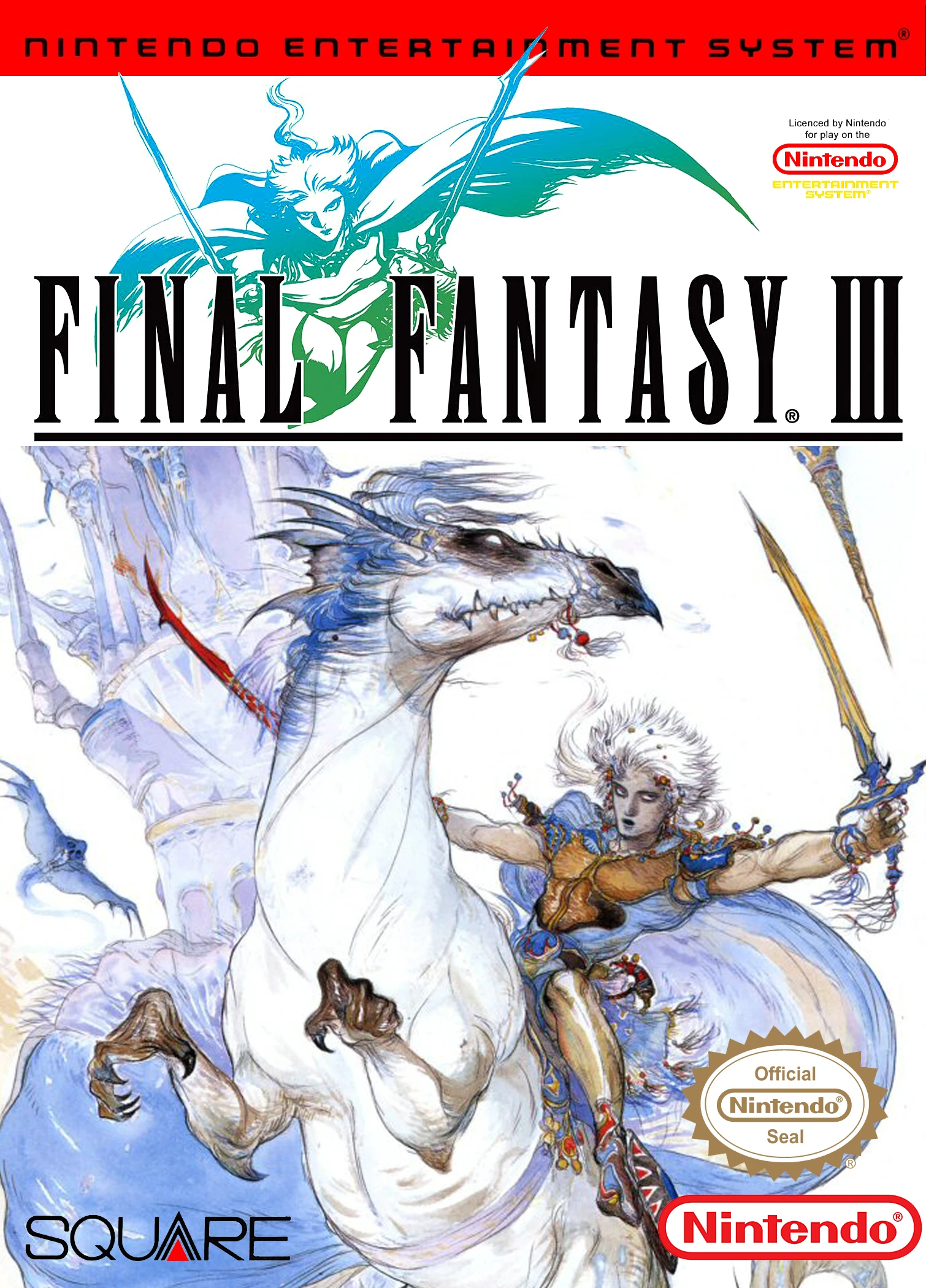
Final Fantasy III is a landmark role-playing game develop...