
Final Fantasy
Final Fantasy is a groundbreaking fantasy role-playing ga...

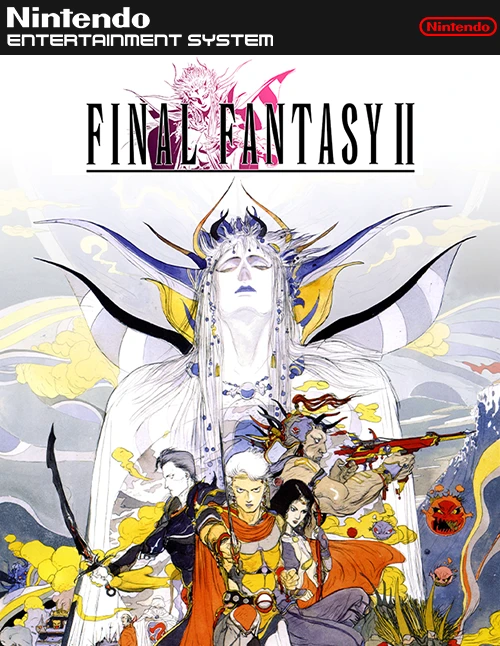
Final Fantasy II holds a unique place in RPG history by introducing an innovative stat-growth progression system rather than traditional experience points and character levels. Attributes such as hit points, weapon proficiencies, and magic skills increase dynamically based on actions taken during battle. Taking heavy damage raises maximum HP, casting spells repeatedly levels up specific magic tiers, and attacking with swords enhances sword proficiency.
The game also introduced the Keyword Dialogue System (Word Memory), which allows players to learn specific phrases during conversations with non-player characters and use them to unlock new lore, quests, and secret locations. Furthermore, Final Fantasy II marks the historical debut of several franchise staples, including the beloved flightless birds known as Chocobos and the recurring master engineer Cid.
With its dark, emotional narrative, flexible character customization, dynamic stat growth mechanics, and a dramatic musical score by Nobuo Uematsu, Final Fantasy II is a bold and influential 8-bit classic.
| Feature | Details |
|---|---|
| Game Title | Final Fantasy II |
| Platform | Famicom / NES |
| Genre | Role-Playing Game (RPG) |
| Developer | Square |
| Publisher | Square |
| Release Date | December 17, 1988 (Japan) |
| Game Mode | Single-player |
| File Format | .nes |
A: Final Fantasy II does not use traditional EXP or levels. Instead, stats grow dynamically based on actions in battle: taking damage increases maximum HP, using magic raises MP and spell power, and attacking with specific weapons boosts that weapon skill.
A: No, the original 8-bit version was released exclusively on the Famicom in Japan in 1988. Western audiences first received the official English release of Final Fantasy II years later as part of re-releases on platforms like the PlayStation and Game Boy Advance.
A: Final Fantasy II marks the very first appearance of Chocobos in the franchise. Players can catch a Chocobo in the Chocobo Forest south of Kashuan and ride it across the overworld to travel quickly without encountering random battles.
A: During conversations, important terms appear highlighted in red. Players can choose to “Learn” these key phrases, saving them to a memory menu, and then “Ask” other NPCs about those words to trigger new story paths and gain essential information.
Download directly from this site, or use a cloud drive link below
⚠️ Download Tips:
Final Fantasy is a groundbreaking fantasy role-playing ga...
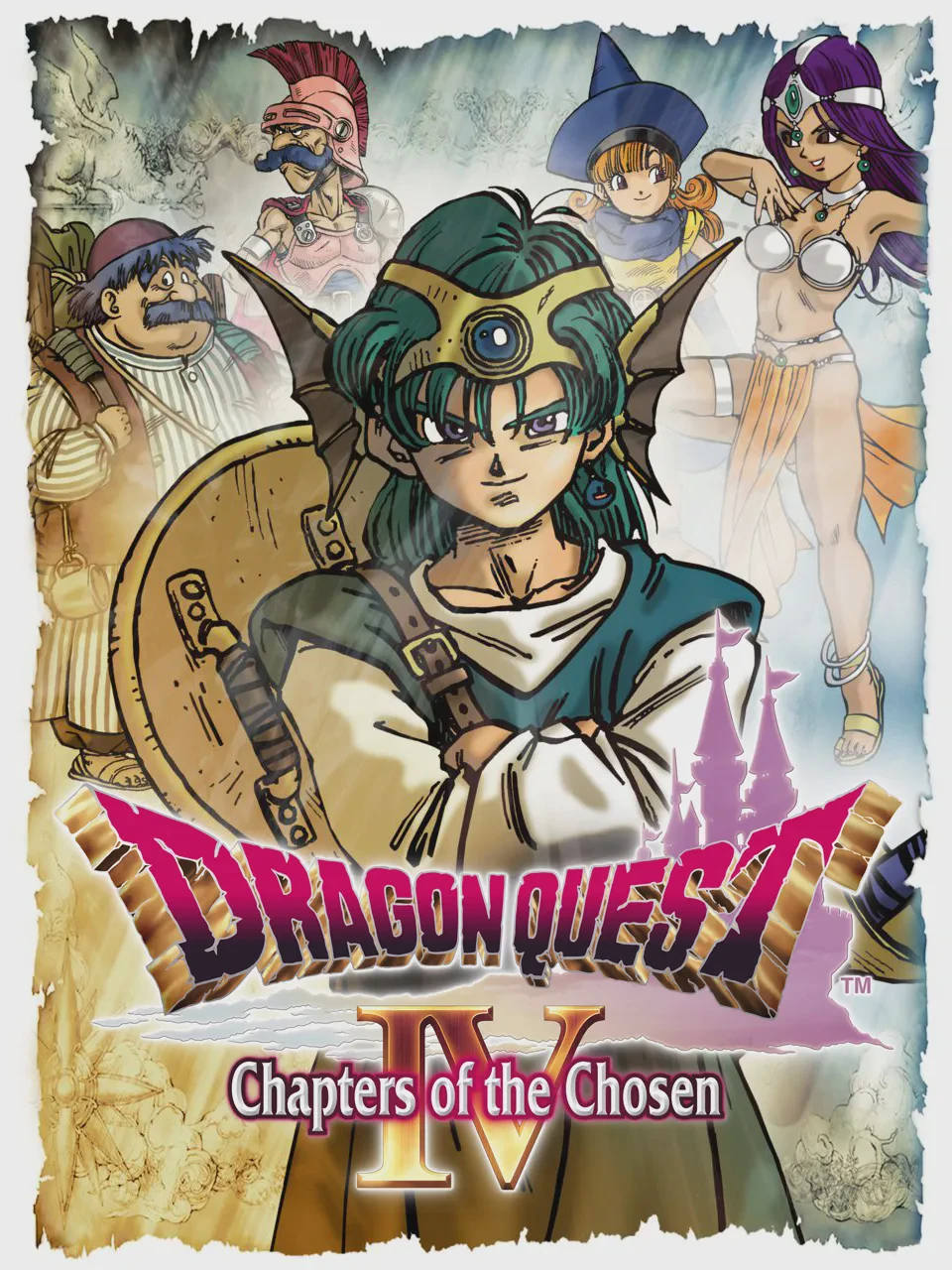
Dragon Quest IV: Chapters of the Chosen (originally relea...
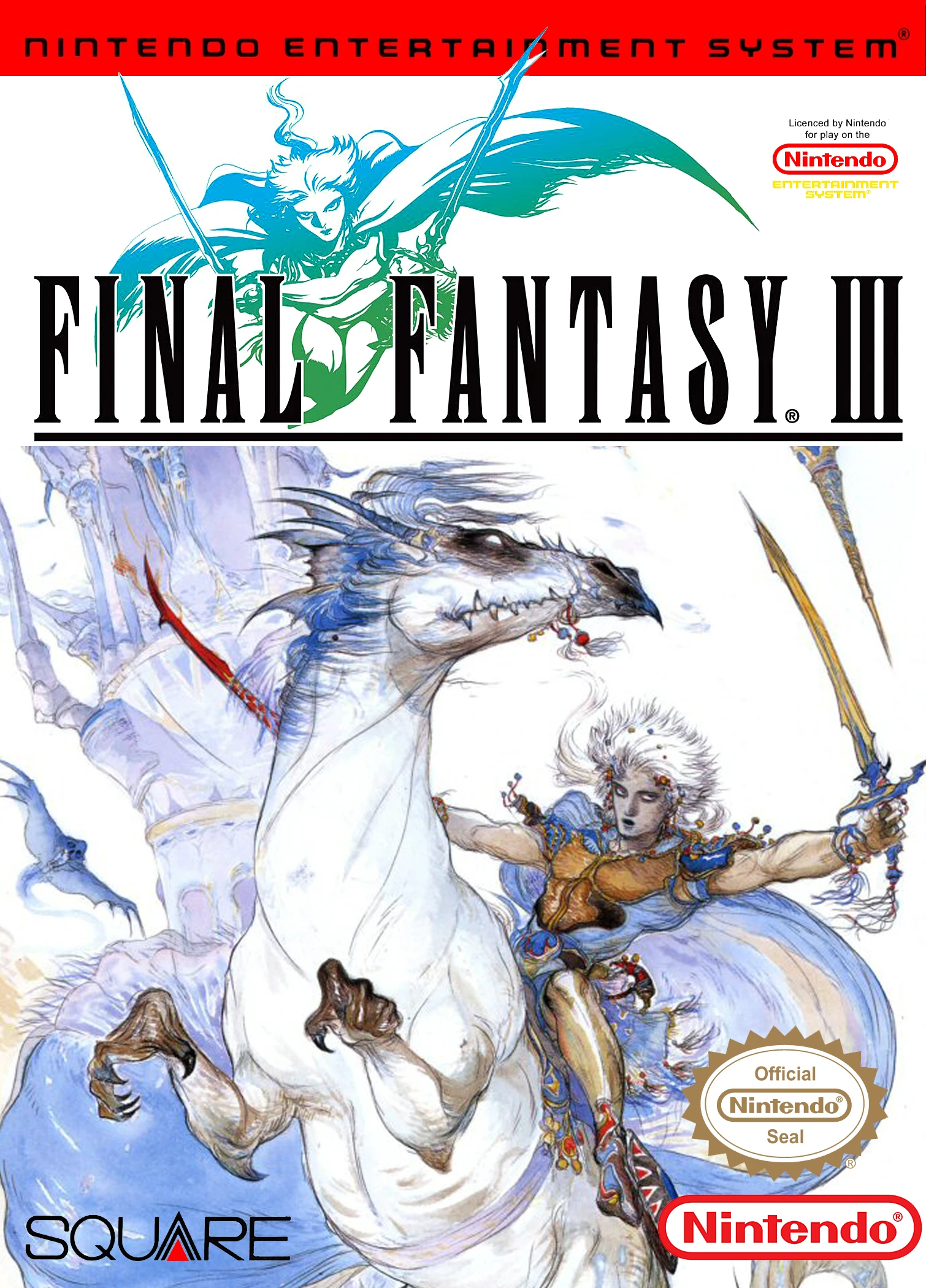
Final Fantasy III is a landmark role-playing game develop...

The Legend of Zelda is a groundbreaking action-adventure ...

Zelda II: The Adventure of Link is an ambitious action ro...