
Dragon Quest III: The See...
Dragon Quest III: The Seeds of Salvation (originally rele...

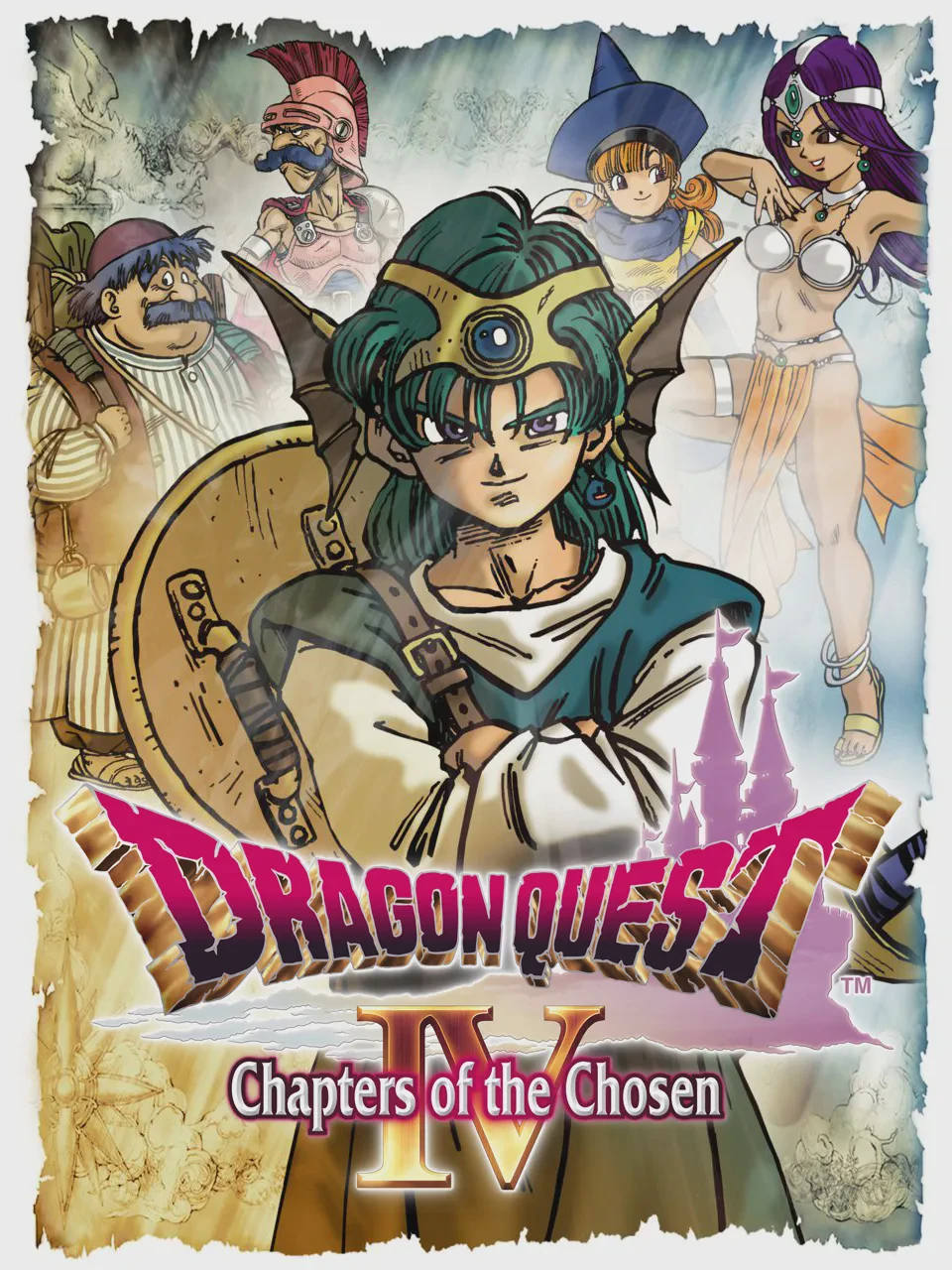
Dragon Quest IV stands as a narrative milestone in 8-bit gaming, introducing a brilliant episodic structure that builds toward a grand finale. Instead of controlling a single static party from the start, players experience the world through separate perspectives across the first four chapters. You guide Ragnar McRyan, a royal soldier searching for missing children; Alena, a martial arts princess seeking adventure; Torneko Taloon, an ambitious merchant dreaming of opening his own shop; and the twin magic-users Maya and Meena.
In Chapter 5, all these paths converge as the legendary Hero unites the diverse cast into a unified party. This chapter introduces the innovative AI Tactics system, allowing players to assign behavioral directives—such as “Show No Mercy” or “Focus on Healing”—to computer-controlled party members during turn-based combat. Additionally, Chapter 5 introduces a massive mobile base camp wagon and a sprawling balloon-assisted overworld exploration system.
Featuring unforgettable musical compositions by Koichi Sugiyama, memorable monster designs, and a deeply emotional plot, Dragon Quest IV remains a crowning achievement of the NES era.
| Feature | Details |
|---|---|
| Game Title | Dragon Quest IV: Chapters of the Chosen (Dragon Warrior IV) |
| Platform | NES / Famicom (FC) |
| Genre | Role-Playing Game (RPG) |
| Developer | Chunsoft |
| Publisher | Enix |
| Release Date | February 11, 1990 (Japan) / October 1992 (North America) |
| Game Mode | Single-player |
| File Format | .nes |
A: The game is split into five chapters. Chapters 1 through 4 focus on individual protagonists or small groups on their own quests, while Chapter 5 brings all the characters together under the leadership of the legendary Hero to save the world.
A: In the original NES version, you directly control only the main Hero character in Chapter 5, while other party members act autonomously based on the AI tactic strategy you assign them from the menu.
A: Torneko is a merchant whose chapter focuses on economics, collecting items, managing a store, and raising funds to finance the construction of a massive tunnel through a mountain range.
A: The North American NES release (Dragon Warrior IV) utilizes battery-backed SRAM to save progress directly with the king or queen, while the original Japanese Famicom version relied on church confession passwords.
Download directly from this site, or use a cloud drive link below
⚠️ Download Tips:
Dragon Quest III: The Seeds of Salvation (originally rele...
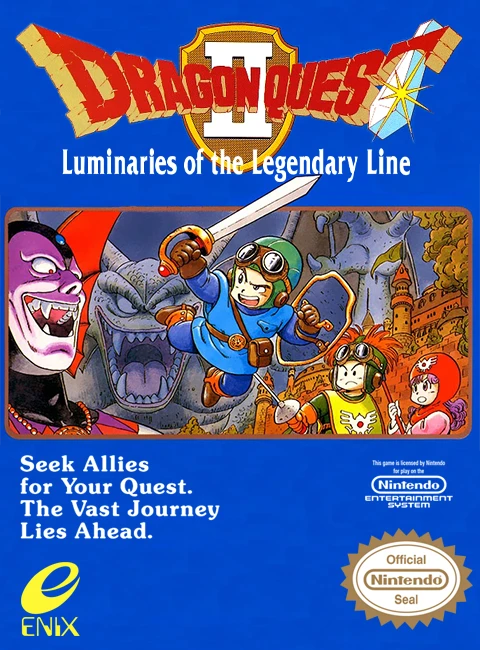
Dragon Quest II: Luminaries of the Legendary Line is a la...
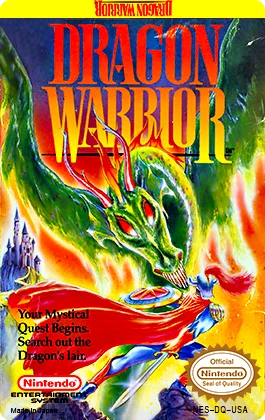
Dragon Quest (originally localized as Dragon Warrior in N...

Final Fantasy is a groundbreaking fantasy role-playing ga...
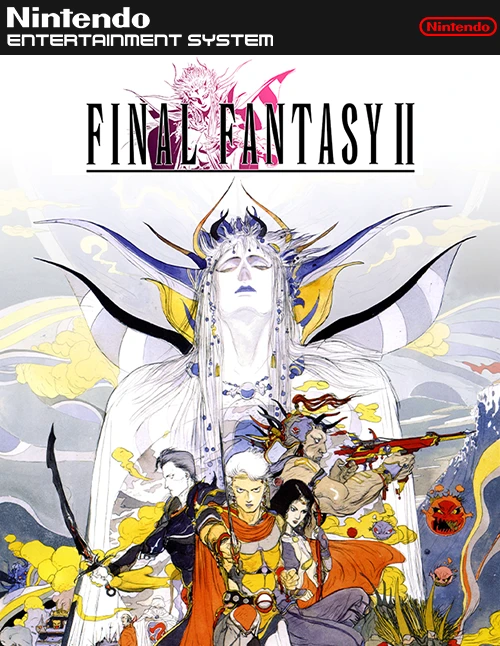
Final Fantasy II is an ambitious, story-driven role-playi...