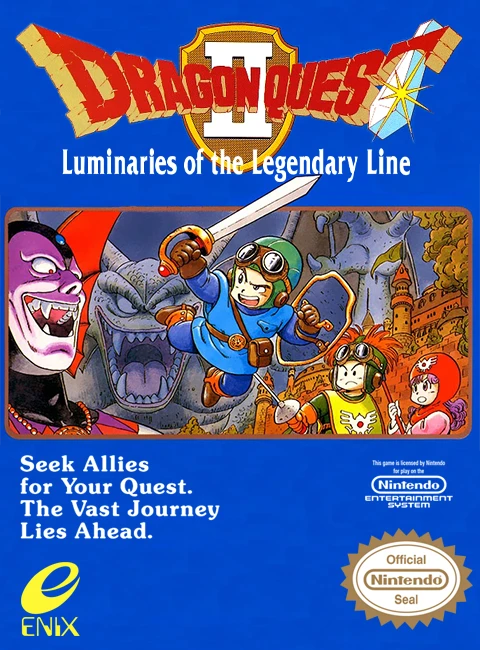
Dragon Quest II: Luminari...
Dragon Quest II: Luminaries of the Legendary Line is a la...


Dragon Quest III is widely celebrated as one of the most influential role-playing games ever made. Players begin their adventure in the kingdom of Aliahan, where they visit the Patty’s Party Planning House to recruit a custom party of up to four heroes. The groundbreaking Class System lets you choose from diverse vocations—including Warriors, Martial Artists, Mages, Priests, Merchants, Gadabouts, and Thieves—allowing for endless tactical combinations and party strategies.
Exploration in Dragon Quest III features a dynamic day and night cycle that directly impacts world events, town activities, and monster encounter rates. Townsfolk alter their routines based on the time of day, and specific shops or quests are only accessible at night. Furthermore, reaching the Alltrades Abbey enables characters to change classes while retaining learned spells, unlocking incredible customization and character progression.
With its sprawling overworld map inspired by real-world geography, surprising story twists, iconic music score, and deep battle mechanics, Dragon Quest III stands as an enduring masterpiece of the 8-bit gaming era.
| Feature | Details |
|---|---|
| Game Title | Dragon Quest III: The Seeds of Salvation (Dragon Warrior III) |
| Platform | NES / Famicom (FC) |
| Genre | Role-Playing Game (RPG) |
| Developer | Chunsoft |
| Publisher | Enix |
| Release Date | February 10, 1988 (Japan) / March 1991 (North America) |
| Game Mode | Single-player |
| File Format | .nes |
A: Early in the game, visit Patty’s Party Planning House (Luida’s Tavern) in the kingdom of Aliahan. There you can recruit pre-generated companions or register custom party members with your choice of name, gender, and vocation class.
A: When a character reaches level 20, they can visit Alltrades Abbey to switch to a new class. The character resets to level 1 with half their previous stats, but they retain all magic spells and special abilities learned in their previous vocation.
A: Time passes as you move on the overworld map. At night, monsters become stronger, some town gates close, townsfolk go to sleep, and new NPC interactions or night-only events become accessible.
A: Dragon Quest III acts as a narrative prequel to the original Dragon Quest and Dragon Quest II, explaining the origins of the legendary hero Erdrick (Loto) and establishing the Erdrick Trilogy lore.
Download directly from this site, or use a cloud drive link below
⚠️ Download Tips:
Dragon Quest II: Luminaries of the Legendary Line is a la...
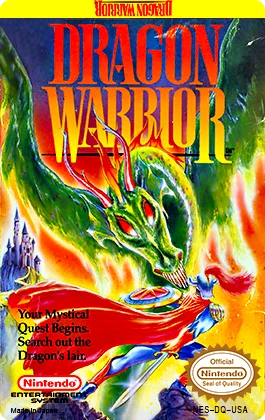
Dragon Quest (originally localized as Dragon Warrior in N...
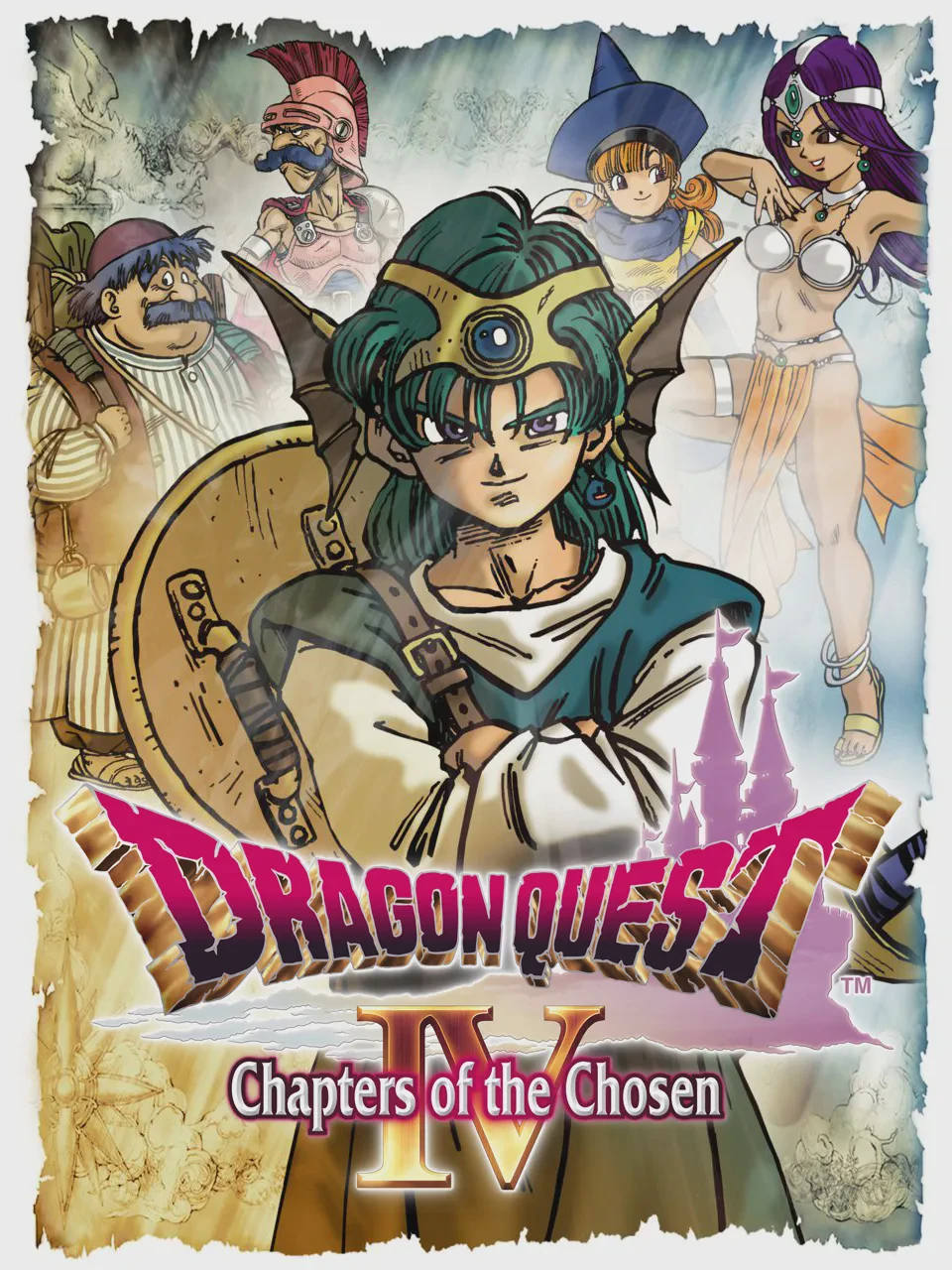
Dragon Quest IV: Chapters of the Chosen (originally relea...
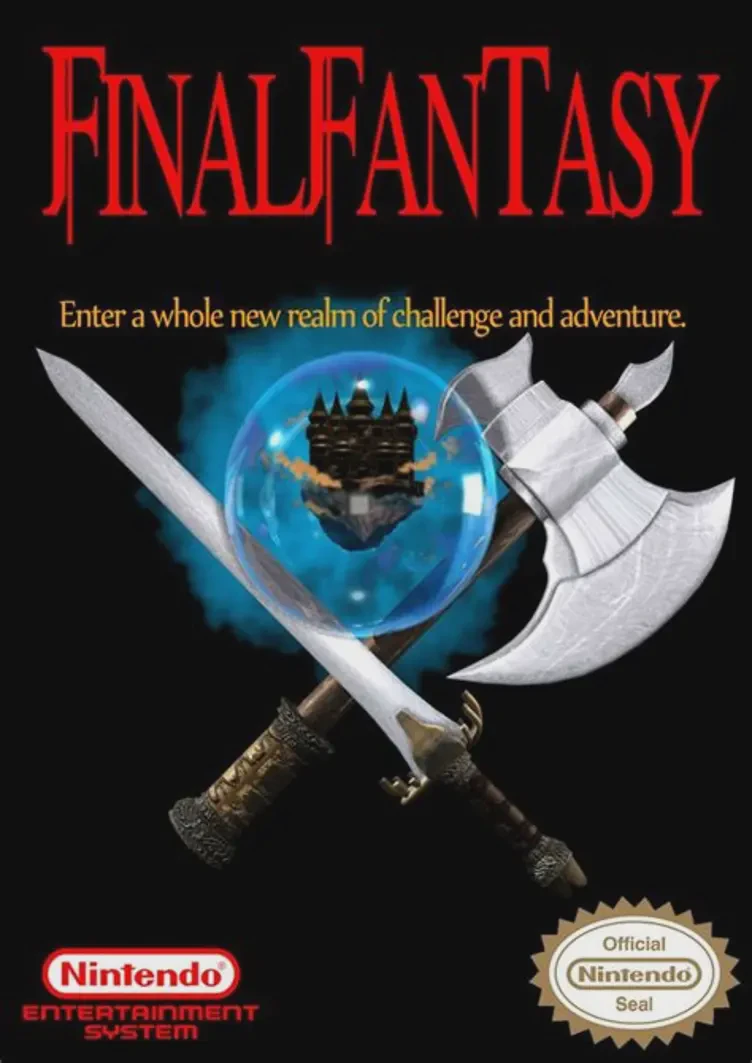
Final Fantasy is a groundbreaking fantasy role-playing ga...
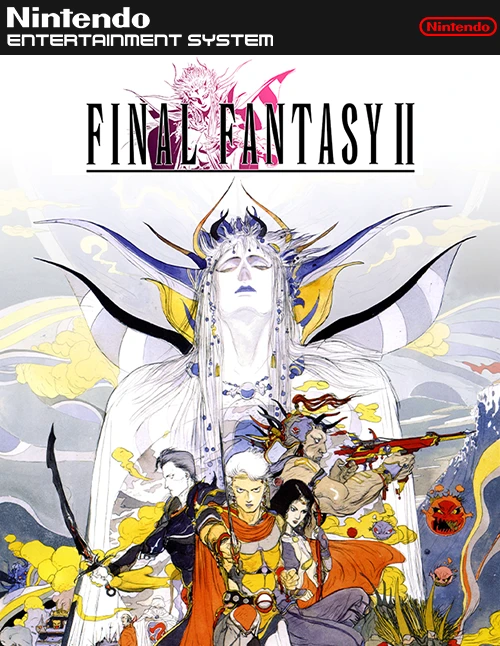
Final Fantasy II is an ambitious, story-driven role-playi...