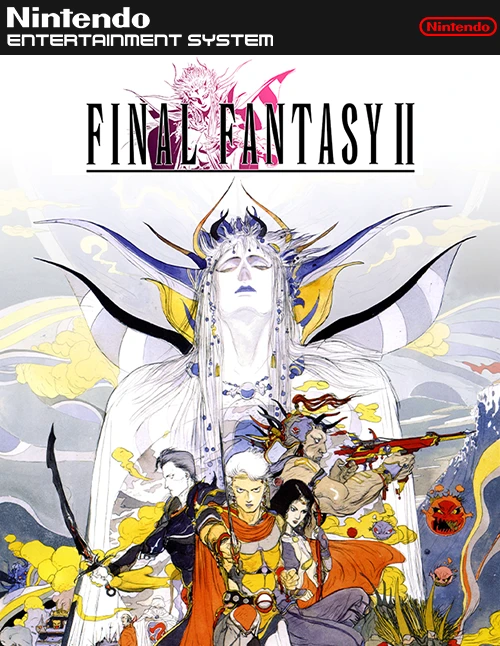
Final Fantasy II
Final Fantasy II is an ambitious, story-driven role-playi...

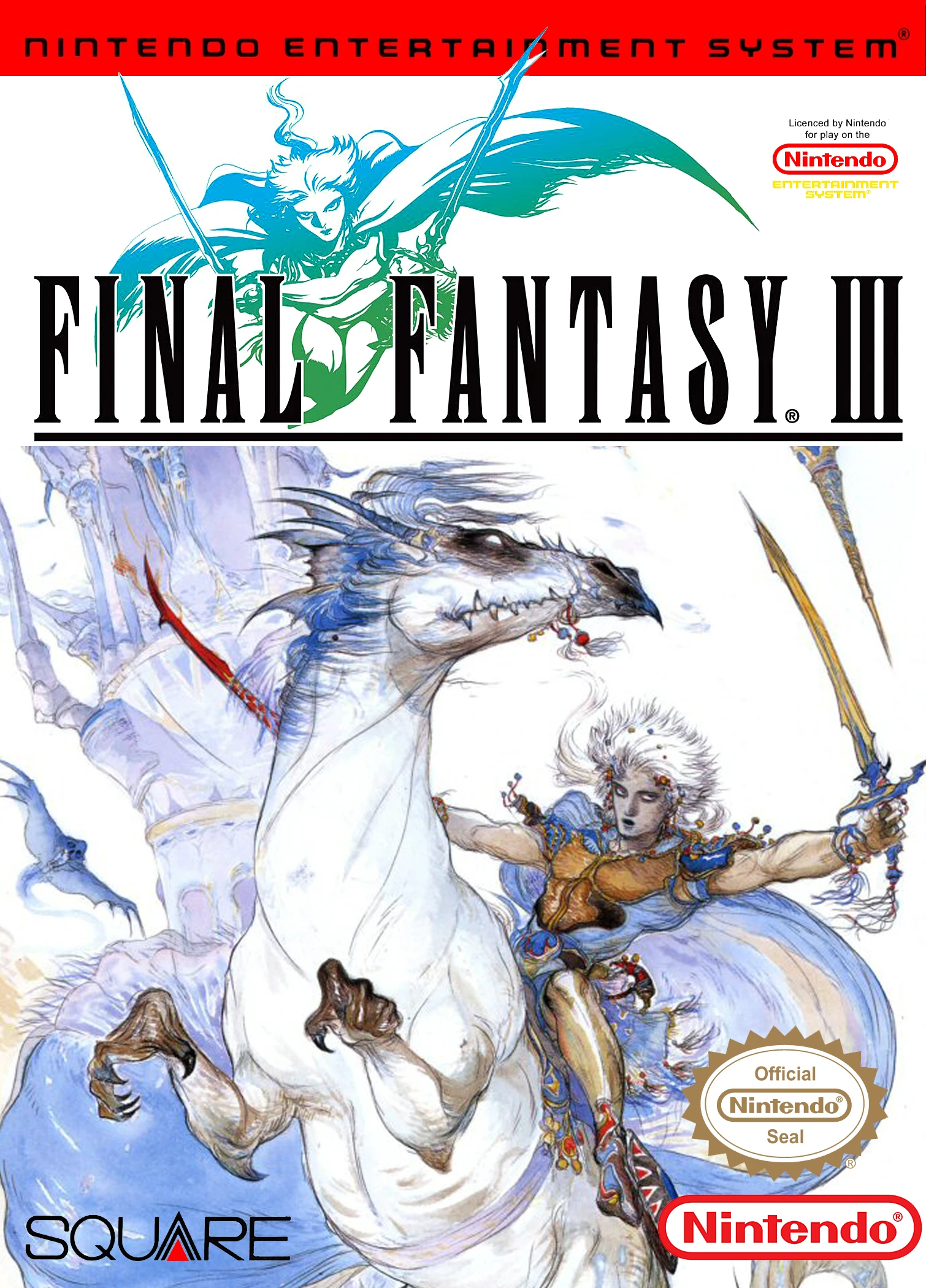
Final Fantasy III delivers an epic JRPG experience that redefined tactical character customization and party management. The core innovation of Final Fantasy III is its dynamic Job System. Unlike its predecessors, where initial class choices were permanent, players can switch between over 20 unique jobs—including Knight, White Mage, Dragoon, Summoner, Ninja, and Sage—at almost any point outside of battle to adapt to evolving tactical challenges.
The adventure spans an enormous setting consisting of a floating continent, a subterranean underworld, and a vast ocean-covered world map. Progression requires utilizing specialized modes of transport, including multiple airships with distinct capabilities, as well as the sub-aquatic Enterprise. Additionally, Final Fantasy III introduced summon magic to the series, allowing heroes to call upon legendary astral entities such as Ifrit, Shiva, Ramuh, and Bahamut to unleash devastating attacks in turn-based combat.
Featuring incredible musical compositions by Nobuo Uematsu, complex multi-stage boss encounters, and deep mechanical complexity, Final Fantasy III stands as a masterpiece of 8-bit RPG design.
| Feature | Details |
|---|---|
| Game Title | Final Fantasy III |
| Platform | Famicom / NES |
| Genre | Role-Playing Game (RPG) |
| Developer | Square |
| Publisher | Square |
| Release Date | April 27, 1990 (Japan) |
| Game Mode | Single-player |
| File Format | .nes |
A: No, the original 8-bit Famicom version of Final Fantasy III was released exclusively in Japan in 1990. Western markets did not receive an official localized release until the 3D remake on the Nintendo DS in 2006.
A: As you progress through the story and awaken elemental crystals, new jobs become unlocked. You can change your party members’ jobs anytime from the main menu, allowing you to tailor your team strategy for specific bosses or dungeons.
A: Summon magic uses dedicated spell slots specifically for Evokers, Summoners, and Sages. When cast, it summons iconic mythical beasts that perform high-damage elemental attacks or supportive party effects.
A: The Invincible is a massive flying warship that serves as a mobile headquarters. It includes an onboard inn for resting, shops to purchase items, a storage vault (Fat Chocobo), and the ability to fly over small mountain ranges.
Download directly from this site, or use a cloud drive link below
⚠️ Download Tips:
Final Fantasy II is an ambitious, story-driven role-playi...
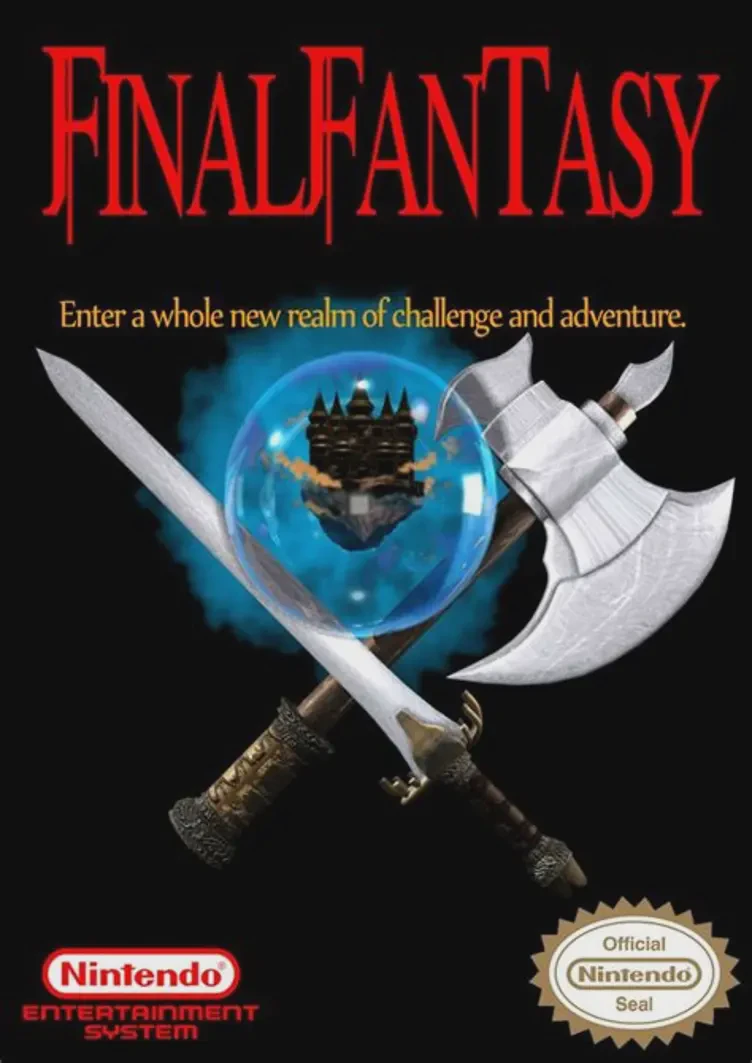
Final Fantasy is a groundbreaking fantasy role-playing ga...
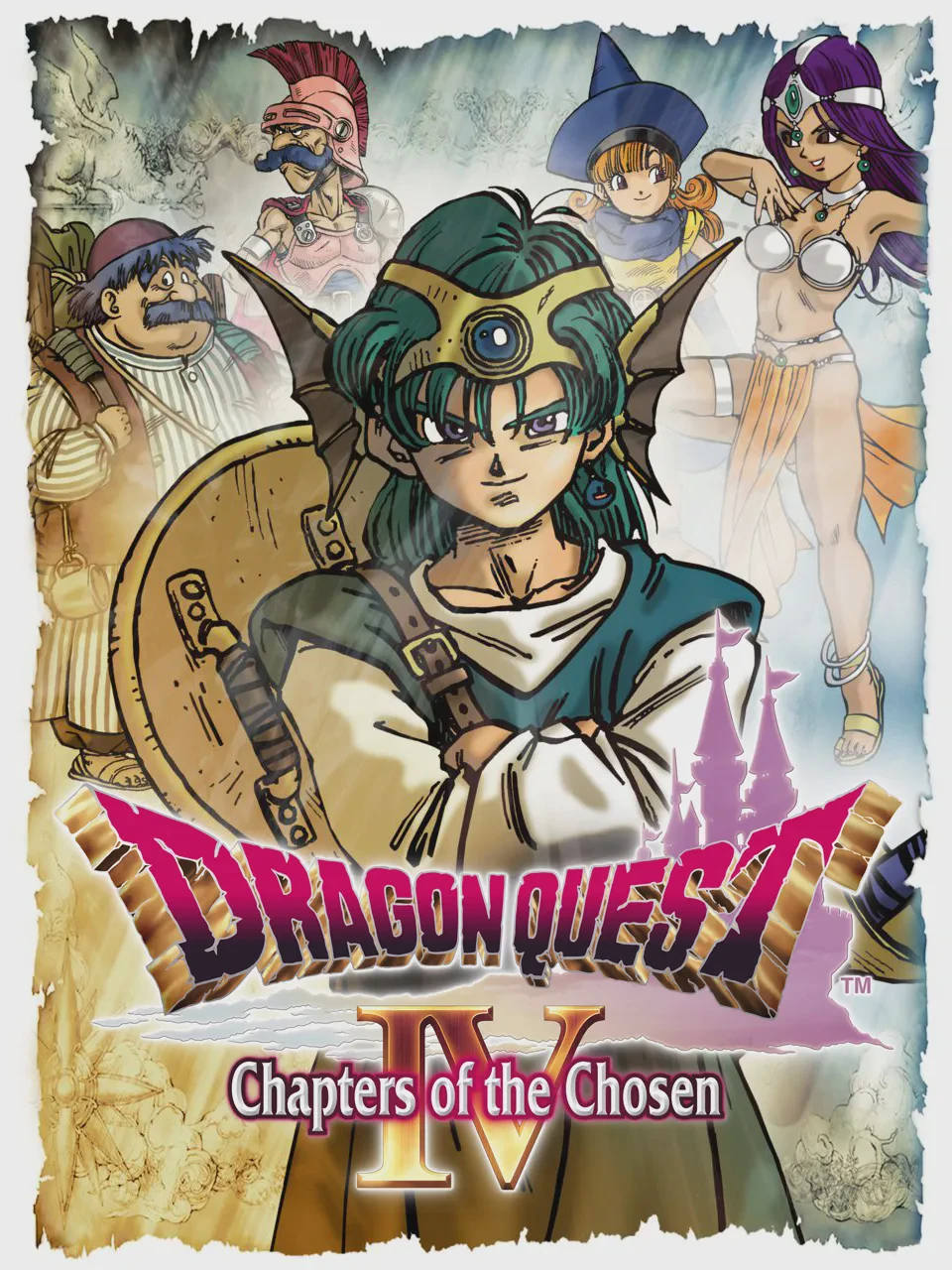
Dragon Quest IV: Chapters of the Chosen (originally relea...

The Legend of Zelda is a groundbreaking action-adventure ...
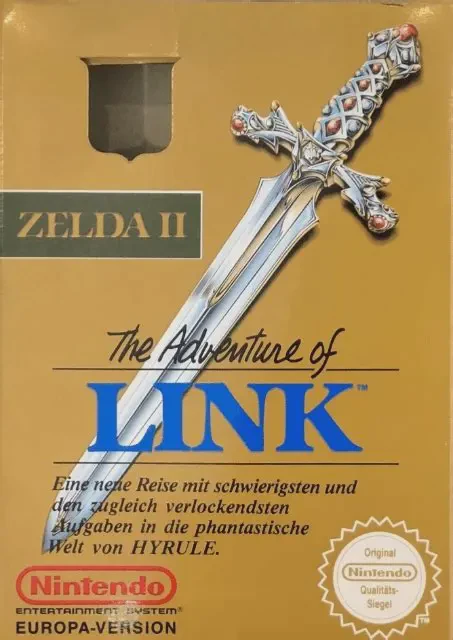
Zelda II: The Adventure of Link is an ambitious action ro...