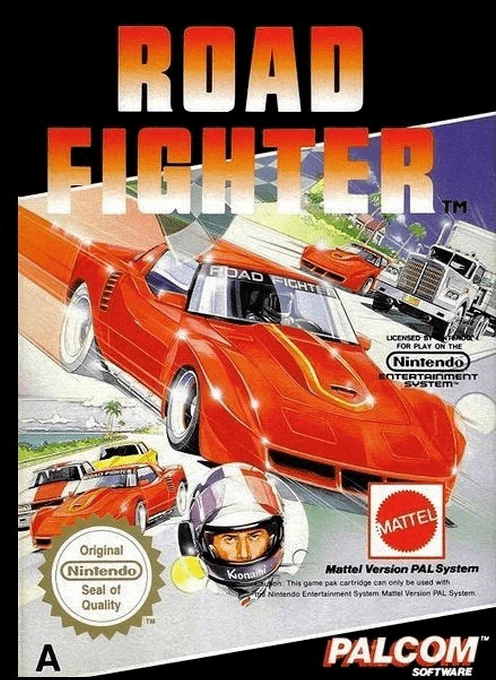
Road Fighter
A fast-paced overhead driving game from Konami, Road Figh...

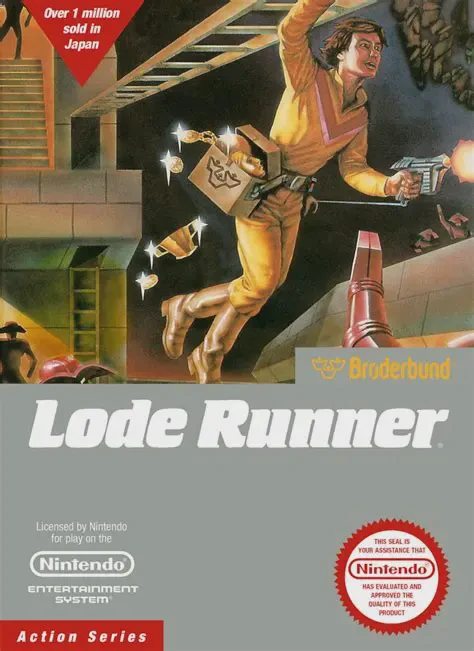
Initially developed by Doug Smith and published by Brøderbund in 1983 before receiving its iconic Famicom/NES conversions, Lode Runner established the blueprint for action-puzzle platforming. The core objective on each single-screen stage is simple yet demanding: gather every chest of gold bullion scattered across the grid and reach the top ladder to advance.
The game introduces unique survival mechanics centered around tactical digging:
The NES version expanded on the computer original by offering 50 brilliantly crafted stages, smooth responsiveness, and a fully functional Game Generator (Level Editor) that allowed players to design and save their own custom puzzles.
| Feature | Details |
|---|---|
| Game Title | Lode Runner |
| Platform | Nintendo Entertainment System (NES) / Famicom (FC) |
| Developer | Hudson Soft / Brøderbund |
| Publisher | Hudson Soft |
| Release Year | 1983 (Computer) / 1984 (FC) / 1987 (NES) |
| Genre | Puzzle / Platformer / Action |
| Game Mode | 1 Player / 2 Players (Alternating) |
| Input Support | Standard NES Controller |
You cannot jump in Lode Runner. Because vertical and horizontal mobility relies entirely on running, climbing ladders, hanging from overhead bars, and digging holes, positioning is critical.
When an enemy falls into a dug-out brick hole, they become trapped inside for a few seconds. You can safely walk right across their heads without losing a life. If the brick regenerates while they are still inside, they respawn safely at the top of the screen.
The NES/Famicom version features 50 standard pre-designed levels, offering a gradual ramp-up in difficulty and complex puzzle layouts.
Yes, Lode Runner features a dedicated edit mode (Game Generator) that allows players to construct, test, and save their very own custom maze layouts.
Download directly from this site, or use a cloud drive link below
⚠️ Download Tips:
A fast-paced overhead driving game from Konami, Road Figh...

A charming and colorful arcade conversion, Circus Charlie...

A quintessential arcade-to-home conversion, Arkanoid on t...
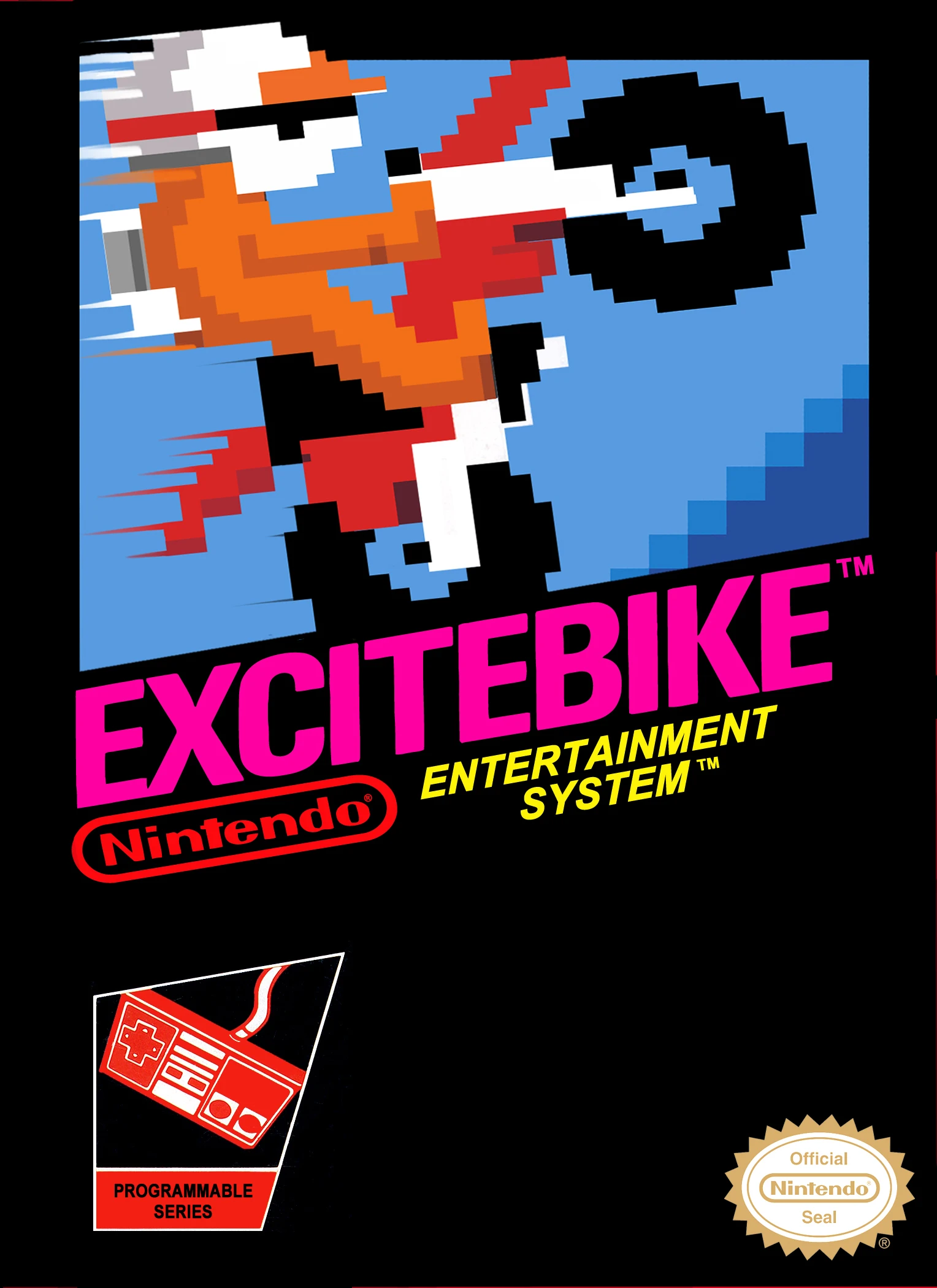
Excitebike is a legendary high-speed motocross racing gam...

Elevator Action is a classic arcade action-stealth game d...