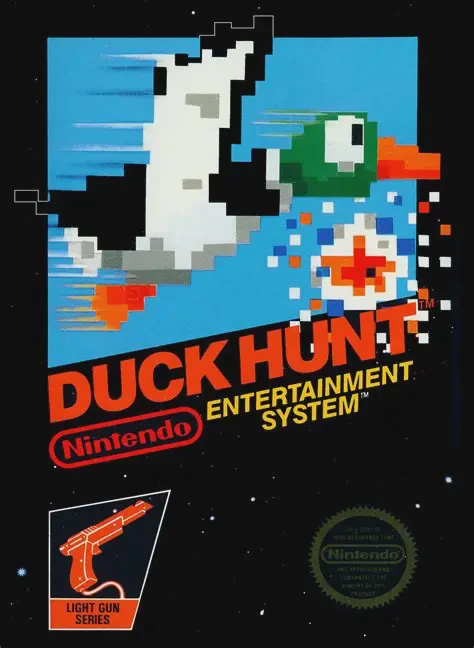
Duck Hunt
Duck Hunt is Nintendo’s classic 1984 light-gun shooter fo...

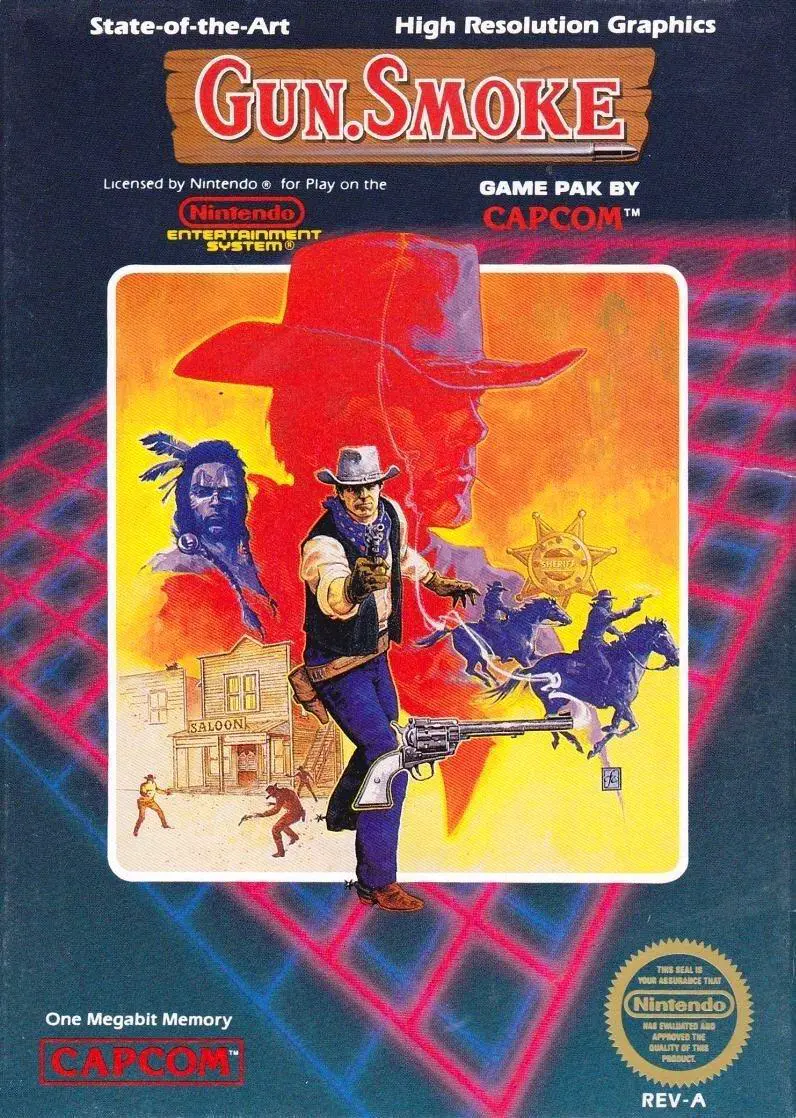
Gun.Smoke is a vertically scrolling run-and-gun shooter developed and published by Capcom. The original arcade version was released in 1985 (designed by Yoshiki Okamoto). The NES version launched in North America in February 1988, following a Famicom Disk System release in Japan on January 27, 1988.
In the NES story, the Wingates gang has overrun the gold-rush town of Hicksville, killing the sheriff. Bounty hunter Billy Bob arrives to restore order by eliminating the gang’s most dangerous members. The screen scrolls upward automatically as Billy Bob moves and shoots. Controls are distinctive: the A and B buttons fire diagonally left or right, while pressing both fires straight ahead.
Players collect power-ups from barrels, including boots (speed), rifles (longer range), bullets (ammo for special weapons), horses (temporary protection), and POW icons that clear the screen. Score doubles as money, which can be spent at shops to buy special weapons (Shotgun, Machine Gun, Magnum, etc.), extra ammo, horses, or—most importantly—Wanted posters. Without the corresponding Wanted poster, the stage boss cannot be fought and the level cannot be cleared.
The NES version features six bosses and requires the player to complete the game multiple times for the true ending. It is widely regarded as one of Capcom’s more challenging titles due to its dense enemy patterns, one-hit deaths, and the need to manage both combat and resource collection.
The A button fires diagonally right, the B button fires diagonally left, and pressing both A and B together fires straight ahead. This three-way system is a defining feature of the game.
In the NES version you must purchase or find the Wanted poster for that stage’s boss. Without the poster, the boss will not appear and the stage cannot be completed.
Shops sell special weapons (Shotgun, Machine Gun, etc.), additional ammunition, horses for temporary protection, and the crucial Wanted posters needed to face bosses. Score functions as money.
Yes. The NES version adds a new storyline, shops, purchasable weapons, the Wanted poster requirement, different music, and a reduced number of bosses. It is considered a significant adaptation rather than a direct port.
It is widely regarded as one of Capcom’s harder NES games due to one-hit deaths, aggressive enemy placement, and the need to balance combat with collecting money and Wanted posters.
Download directly from this site, or use a cloud drive link below
⚠️ Download Tips:
Duck Hunt is Nintendo’s classic 1984 light-gun shooter fo...
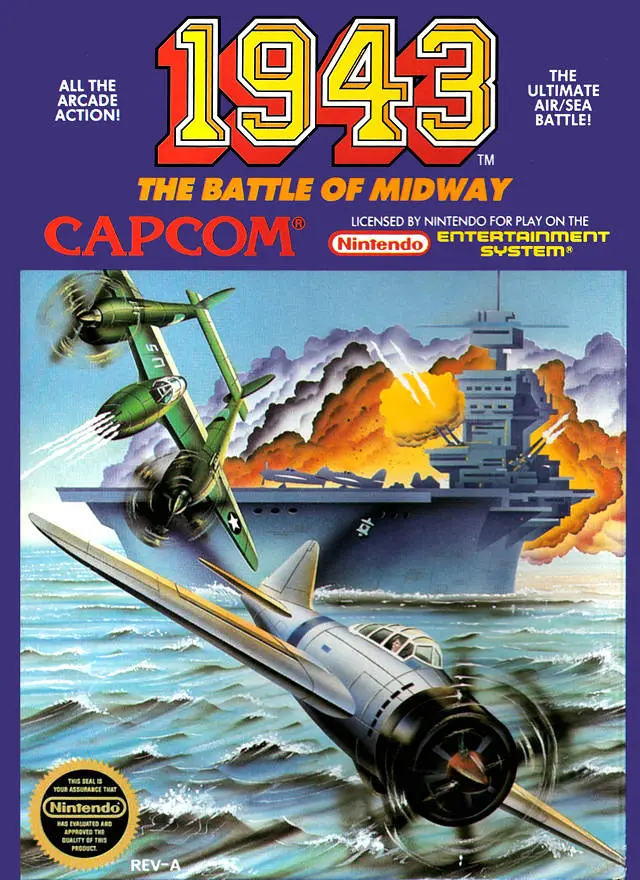
1943: The Battle of Midway is Capcom’s 1987 vertically sc...
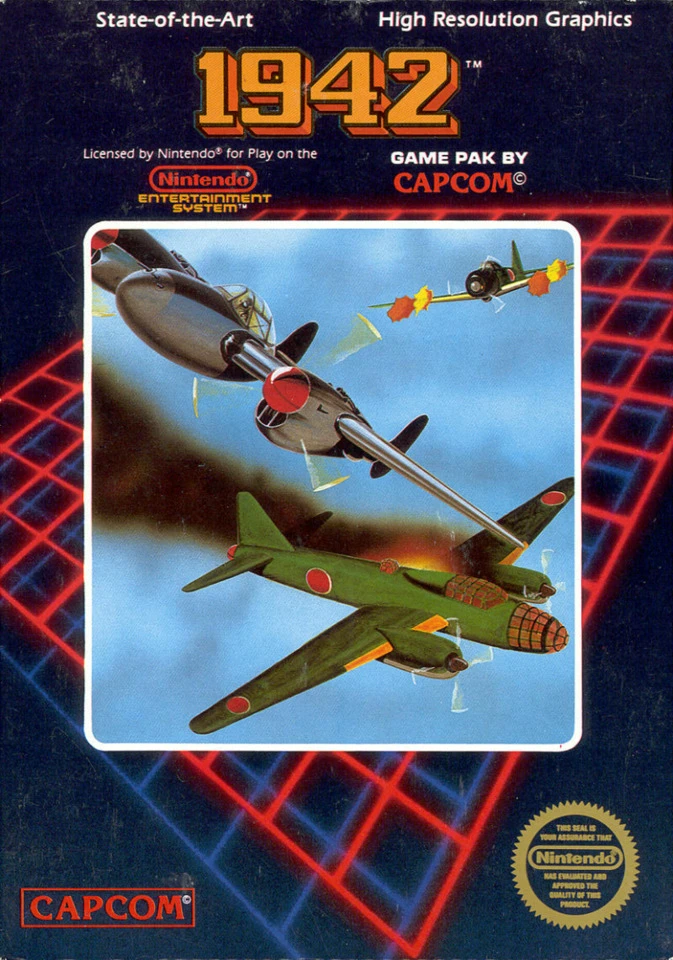
1942 is Capcom’s classic 1984 vertically scrolling shoote...
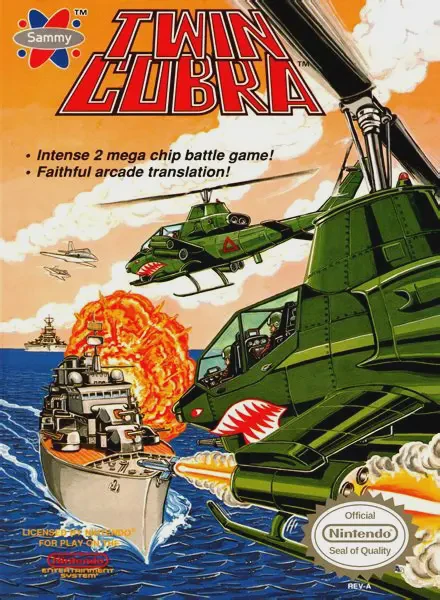
Twin Cobra (known in Japan as Kyukyoku Tiger) is Toaplan’...
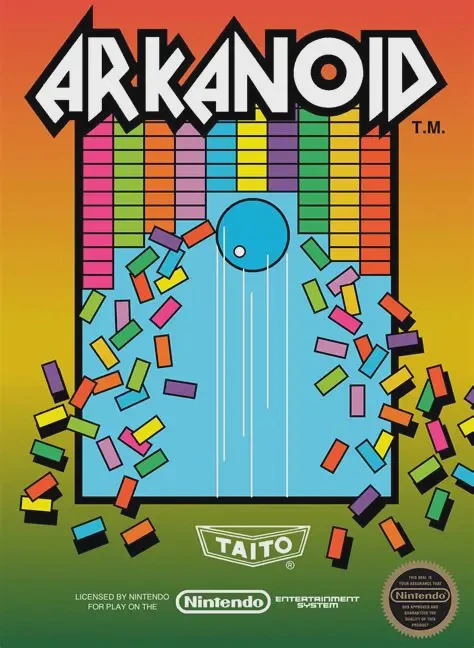
A quintessential arcade-to-home conversion, Arkanoid on t...