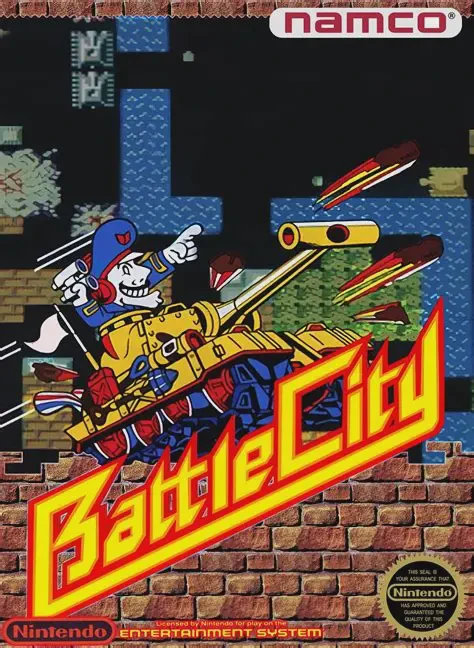
Battle City
Battle City is Namco’s classic 1985 Famicom multidirectio...

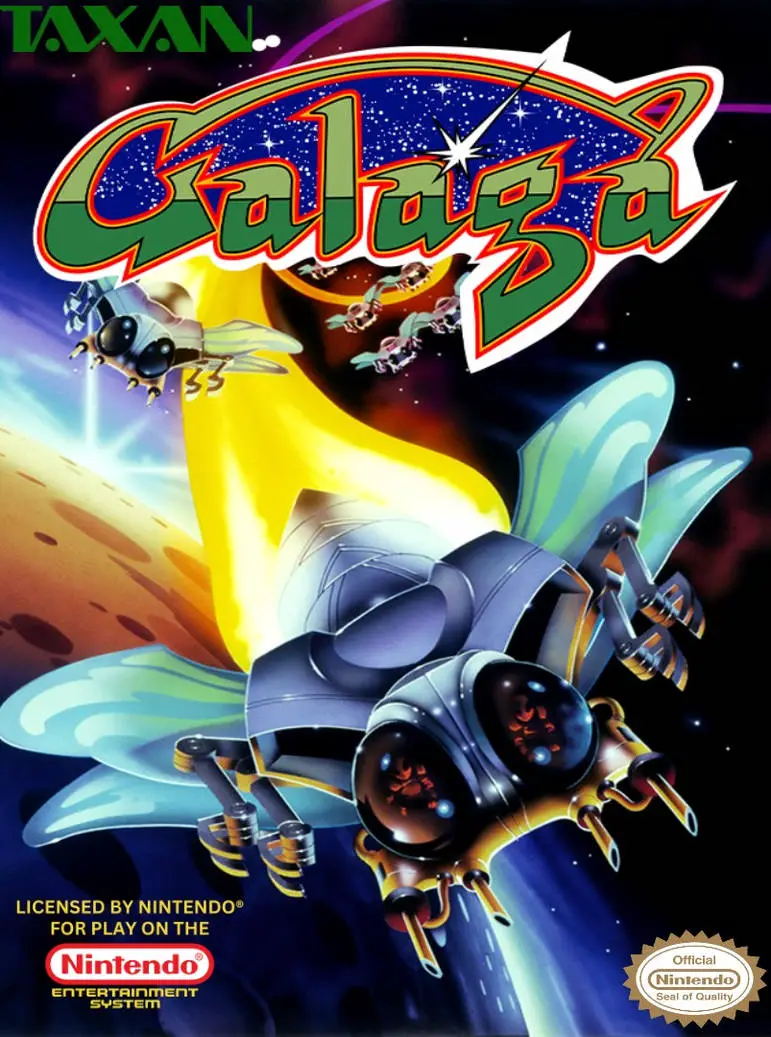
Galaga is a fixed-screen vertical shooter developed and published by Namco. The original arcade version launched in Japan in September 1981 and in North America later that year (published by Midway). The Famicom port arrived in Japan on February 15, 1985, with the North American NES release following in September 1988 under the subtitle “Demons of Death.”
Players pilot the starfighter Gyaraga against the Galaga alien forces. Enemies fly in from the sides and top of the screen, assemble into formation, and then dive toward the player while firing projectiles. The primary goal is to destroy every alien in the wave. Boss Galagas (large insects at the top of the formation) take two hits to destroy and can deploy a tractor beam that captures the player’s ship.
If a ship is captured, the player can shoot down the Boss Galaga while it is diving to free the captured fighter. The rescued ship then links up, creating a dual fighter with double the firepower (but a larger hitbox). Every third stage is a Challenging Stage in which aliens fly in fixed patterns without shooting; destroying all of them awards a large perfect-score bonus. The game increases in difficulty with faster, more aggressive enemy patterns and continues indefinitely until the player loses all lives. The NES version is a solid home conversion that retains the core gameplay, dual-fighter system, and Challenging Stages of the arcade original.
A Boss Galaga can capture your ship with a tractor beam. If you still have lives remaining, shoot down that Boss Galaga while it is diving. The captured fighter is freed and links with your current ship, doubling your firepower.
Every third stage (and every fourth stage thereafter) is a Challenging Stage. Aliens fly in set patterns without firing or colliding with the player. Destroying every enemy awards a large bonus (up to 10,000 points for a perfect stage).
Boss Galagas require two hits to destroy. They turn a different color after the first hit.
The NES version is a faithful conversion that retains the dual-fighter system, Challenging Stages, and core gameplay. Some adjustments were made for the home screen aspect ratio and hardware limitations, but the overall experience remains very close to the arcade.
No. Galaga supports two players, but they take alternating turns rather than playing simultaneously.
Download directly from this site, or use a cloud drive link below
⚠️ Download Tips:
Battle City is Namco’s classic 1985 Famicom multidirectio...
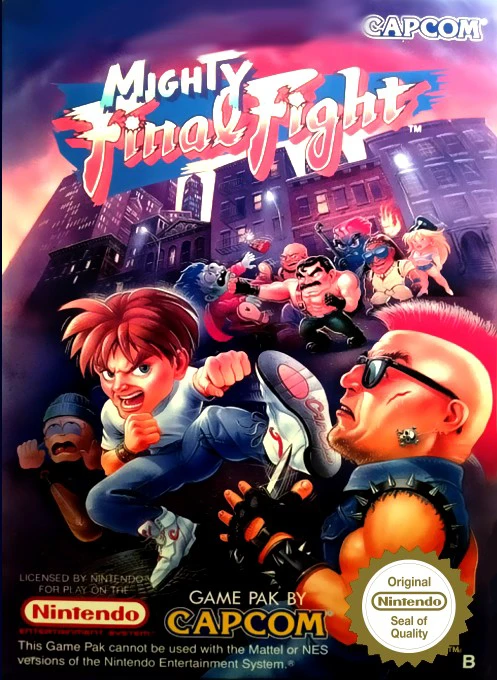
Mighty Final Fight is Capcom’s 1993 NES spin-off of the c...
A fast-paced and comedic vertical shoot 'em up, Gun-Nac s...
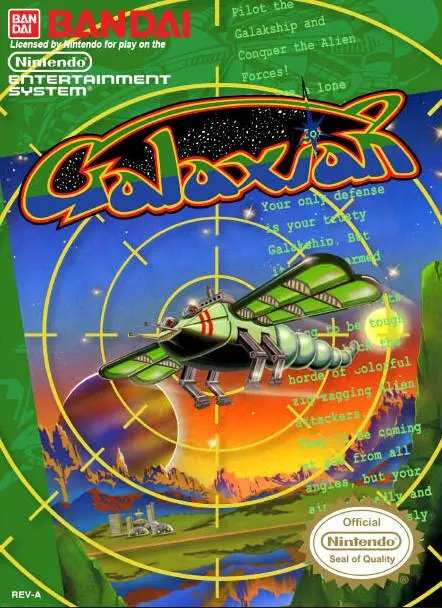
Galaxian is Namco’s pioneering 1979 arcade fixed shooter,...
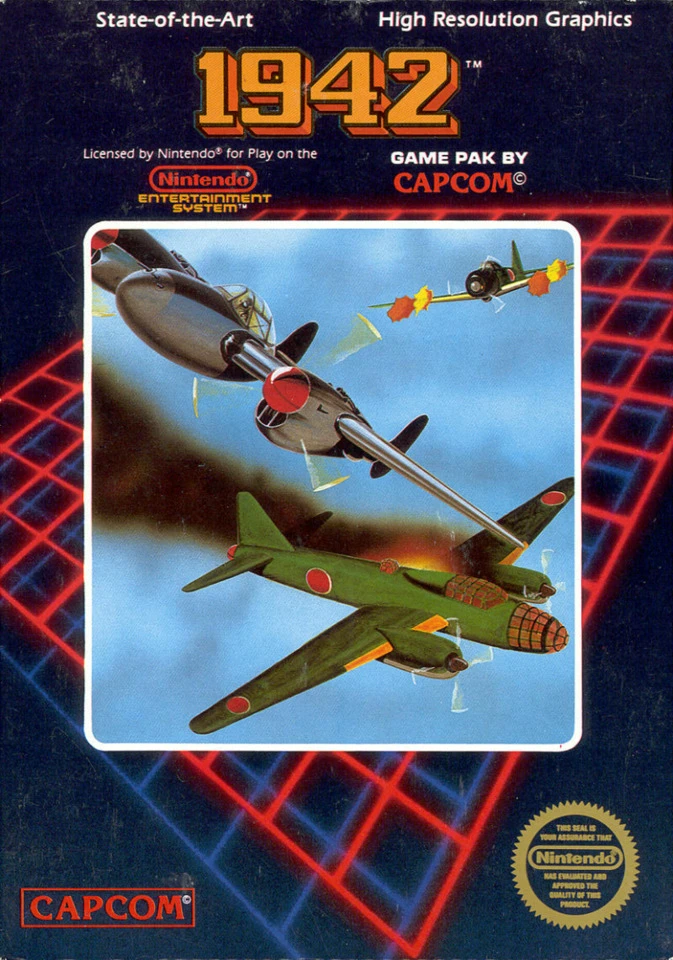
1942 is Capcom’s classic 1984 vertically scrolling shoote...