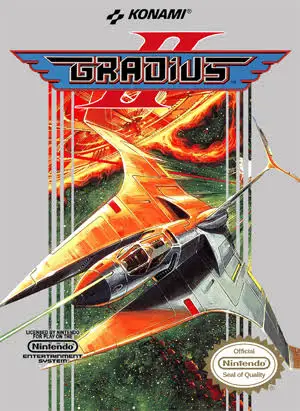
Gradius II
A masterpiece of 8-bit technical design, Gradius II eleva...

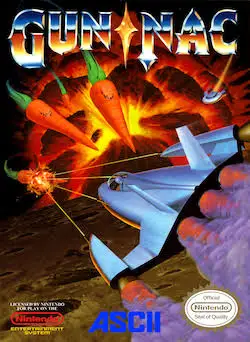
Gun-Nac is a frantic top-down vertical shooter developed by Compile and published by Tonkin House (FCI in North America) for the Nintendo Entertainment System (NES) and Famicom (FC). Developed by Compile—the legendary studio behind classics like Zanac and Blaster Master—Gun-Nac showcases the absolute maximum performance possible on original 8-bit hardware.
Set in the solar system of IStars, galactic peace is shattered when cosmic radiation causes everyday items like vegetables, toys, coins, and clothing to enlarge and revolt. Players pilot the Gun-Nac starfighter to blast through eight varied planetary environments.
Gameplay centers around an intricate power-up system. Players collect numbered weapon cards (1 through 5) to switch between primary attacks like standard blasters, flame throwers, homing shots, and wide-range lasers, while collecting money bags dropped by enemies to spend in between-stage shop screens. With configurable game speed settings, adjustable difficulty levels, dynamic bomb attacks, and zero slowdown during dense sprite action, Gun-Nac remains a masterclass in NES shooter design.
| Feature | Detail |
| Title | Gun-Nac |
| Platform | Nintendo Entertainment System (NES) / Famicom (FC) |
| Developer | Compile |
| Publisher | FCI (NA) / Tonkin House (JP) |
| Release Date | October 5, 1990 (JP) / September 1991 (NA) |
| Genre | Shoot ‘Em Up / Vertical Action |
| Game Modes | Single-player |
| Media Format | ROM Cartridge (NES-XA-USA) |
Hyper-Fast Action & Custom Speed: Features toggleable game speed settings and optimized code that eliminates sprite flicker and lag.
5 Distinct Primary Weapons: Switch dynamically between five numbered main weapons, each upgradeable by collecting matching numbered icons.
4 Screen-Clearing Bombs: Utilize four distinct bomb types (F, B, T, W) to obliterate entire waves of incoming hazards and boss projectiles.
In-Game Economy & Shops: Earn cash by collecting money bags during stages to purchase weapon upgrades, bombs, and ship enhancements between levels.
Humorous Sci-Fi Theme: Battle bizarre bosses and enemies, including giant robotic rabbits, bouncing coins, and hostile carrots.
A: You upgrade primary weapons by grabbing numbered icons (1 through 5) floating on screen. Picking up matching numbers consecutively levels up that specific weapon’s size, damage, and spread pattern.
A: The shop allows you to spend money collected during gameplay to purchase primary weapon levels, extra bomb inventory, shield protection, or specific weapon types before launching into the next stage.
A: Developed by Compile, Gun-Nac is praised for its technical brilliance, smooth frame rates, variable game speed, and tight controls. Its low production run in North America has also made original cartridges rare and valuable.
A: Yes, Gun-Nac includes a built-in configuration menu allowing players to customize the difficulty, adjust screen priority settings to reduce sprite flickering, change game scroll speeds, and access a sound test menu.
Download directly from this site, or use a cloud drive link below
⚠️ Download Tips:
A masterpiece of 8-bit technical design, Gradius II eleva...
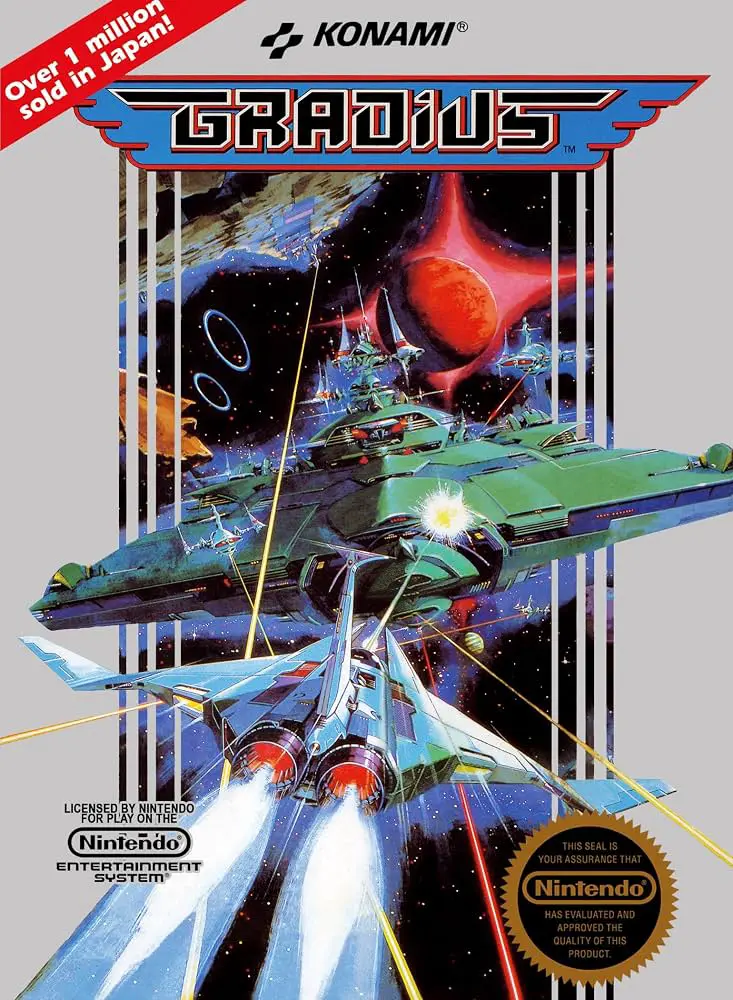
A legendary space shooter that pioneered the genre, Gradi...
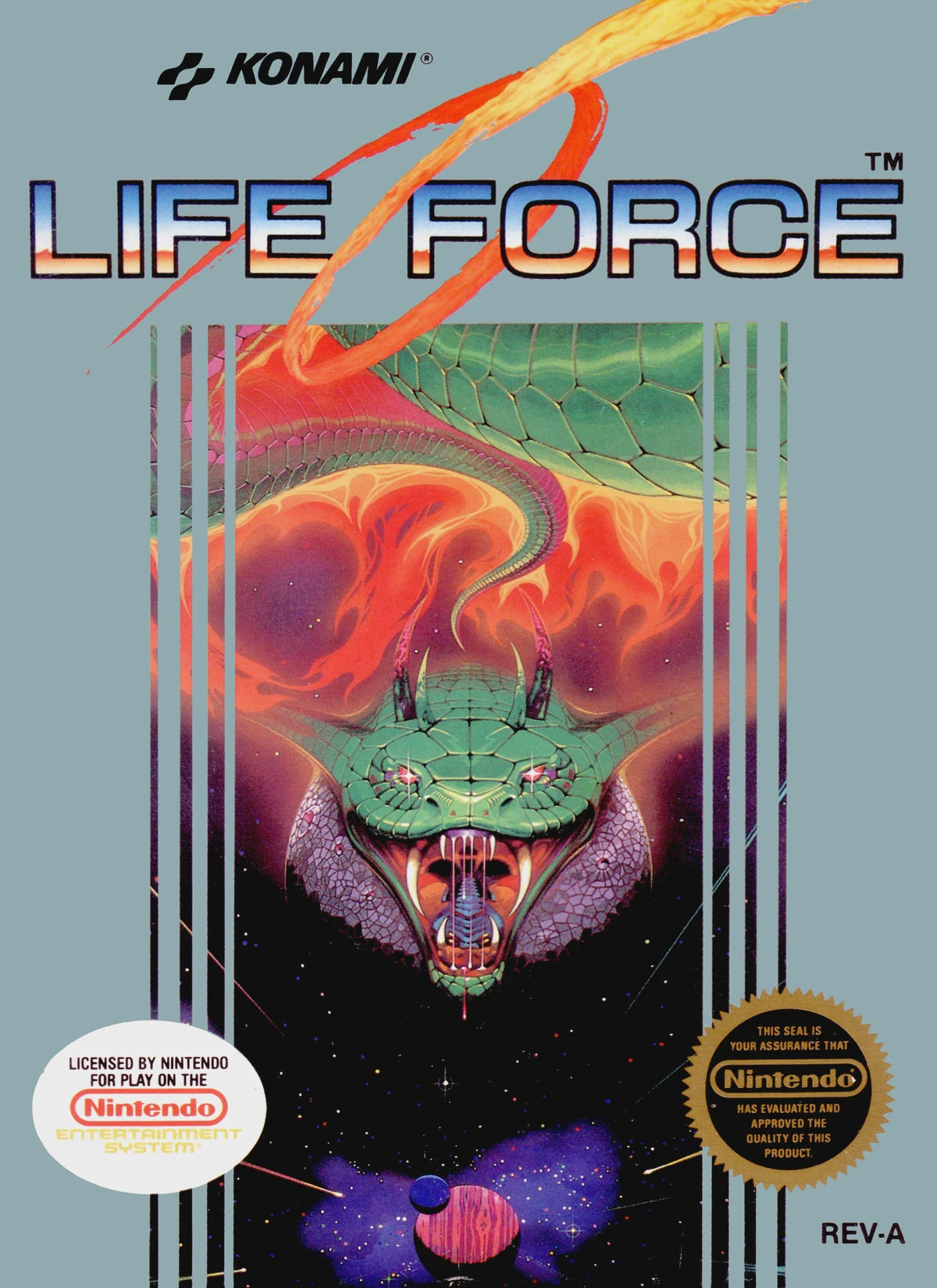
A classic horizontal and vertical space shooter, Life For...
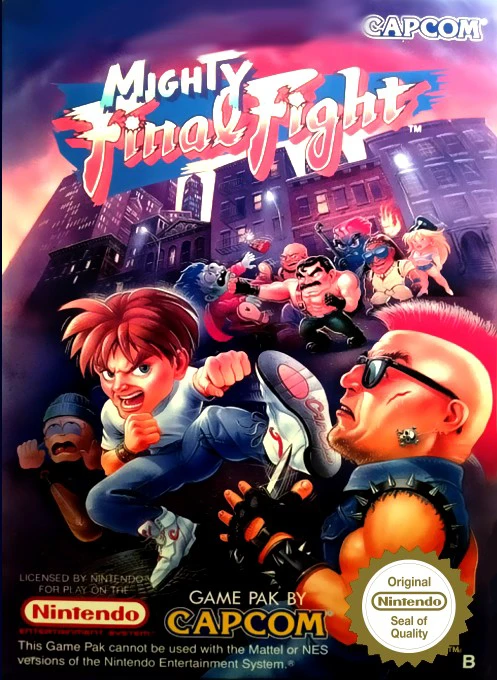
Mighty Final Fight is Capcom’s 1993 NES spin-off of the c...
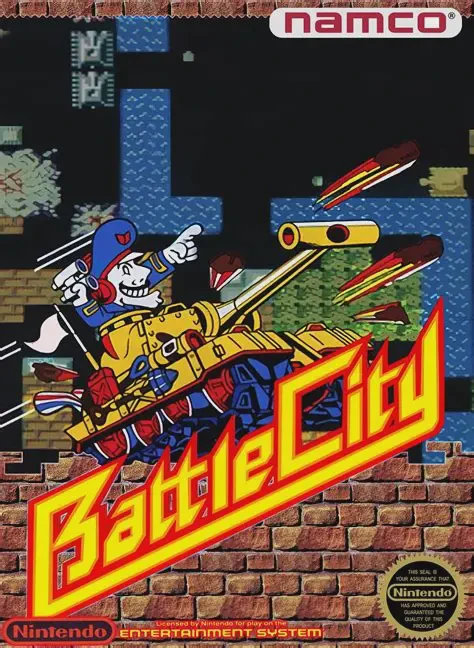
Battle City is Namco’s classic 1985 Famicom multidirectio...