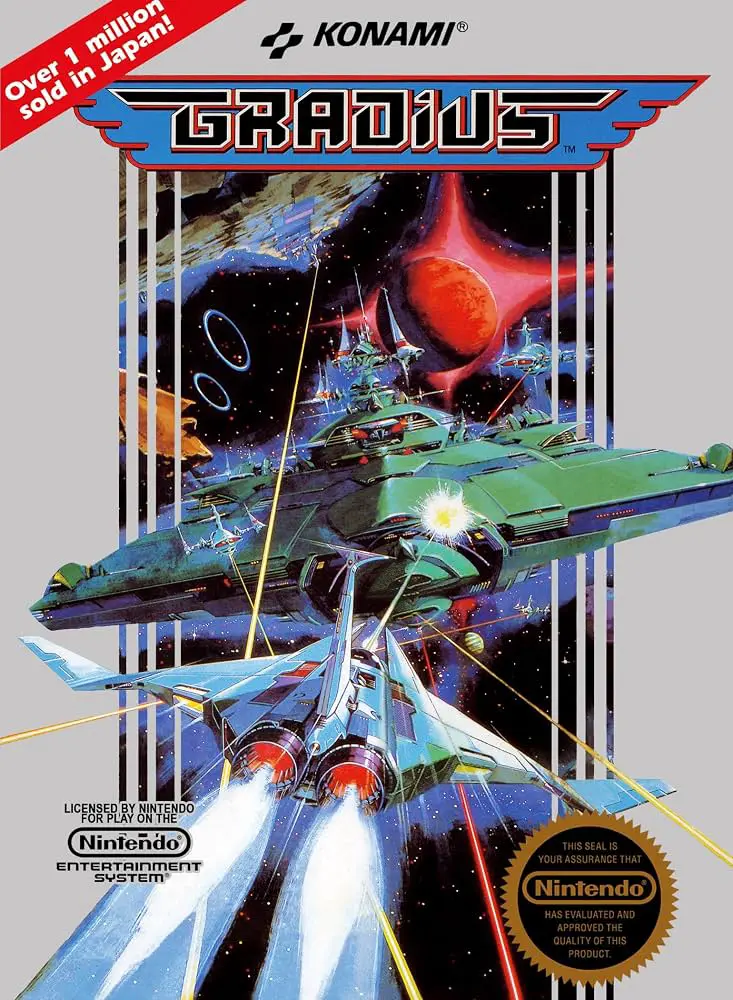
Gradius
A legendary space shooter that pioneered the genre, Gradi...

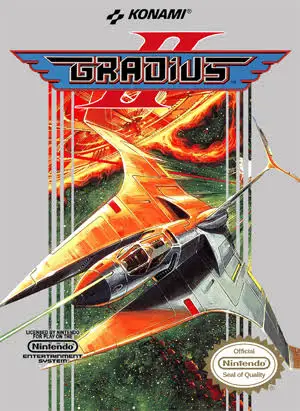
Gradius II (subtitled Gofer no Yabō in Japan) is a seminal horizontal shoot ‘em up developed and published by Konami for the Family Computer (Famicom). Originally an arcade blockbuster powered by Konami’s Twin 16 hardware, this Famicom adaptation performed near-miraculous technical adaptations, incorporating custom enhancement chips inside the cartridge to deliver arcade-quality graphics and music.
Before embarking on their mission across nine grueling stages, players choose between four distinct weapon loadout types. Each configuration pairs different special weapons—such as Twin Lasers, Ripples, Photons, or Spread Bombs—with the returning signature power-up bar system. Players collect glowing energy capsules from destroyed red enemy squads to highlight and activate Speed Ups, Missiles, primary weapon upgrades, trailing Option drones, and high-durability Force Fields.
Navigating through blazing solar flare fields, high-speed crystal mazes, alien hives, and boss rush corridors, players face off against gargantuan mech commanders and giant biological entities. Featuring crisp controls, legendary musical compositions, and precise stage design, Gradius II stands as an absolute high point for retro shoot ‘em ups.
| Feature | Detail |
| Title | Gradius II |
| Platform | Famicom (FC) / NES (Japan Exclusive) |
| Developer | Konami |
| Publisher | Konami |
| Release Date | December 16, 1988 (JP) |
| Genre | Shoot ‘Em Up / Space Action |
| Game Modes | Single-player, 2-Player Alternating |
| Media Format | ROM Cartridge (RC832) |
Custom Weapon Type Selection: Choose from four unique weapon loadouts prior to launching, customizing your playstyle with different missile and laser types.
Four Option Drones: Deploy up to four trailing Option drones simultaneously to create an unstoppable curtain of firepower.
Massive Screen-Filling Bosses: Battle enormous bio-mechanical alien bosses, including the giant flaming dragon and multi-stage core command ships.
Special Chip Technology: Utilizes custom hardware mapping inside the cartridge to deliver detailed animations and dense enemy formations without severe slowdown.
Epic Sci-Fi Soundtrack: Features a classic chiptune soundtrack crafted by Konami’s Sound Team that remains iconic among retro gaming fans.
A: No, the 8-bit console version of Gradius II was released exclusively in Japan for the Famicom on cartridge. North American fans only received the original Gradius and Life Force on the NES during that era, though English fan-translated ROMs are widely played on modern emulators today.
A: Before starting the game, you choose one of four distinct weapon configurations. Type 1 offers standard Lasers and Missiles, Type 2 features the wide-firing Ripple Laser and Spread Bombs, Type 3 provides 2-Way Missiles and 3-Way Lasers, and Type 4 features Photon Missiles and Ring Lasers.
A: Yes! Pausing the game and entering the classic Konami Code (Up, Up, Down, Down, Left, Right, Left, Right, B, A) grants full power-ups, including speed boosts, missiles, option drones, and shields.
A: Unlike the original Famicom release of Gradius (which limited options to two), Gradius II allows you to equip up to four Option drones at once, matching the capability of the arcade original.
Download directly from this site, or use a cloud drive link below
⚠️ Download Tips:
A legendary space shooter that pioneered the genre, Gradi...
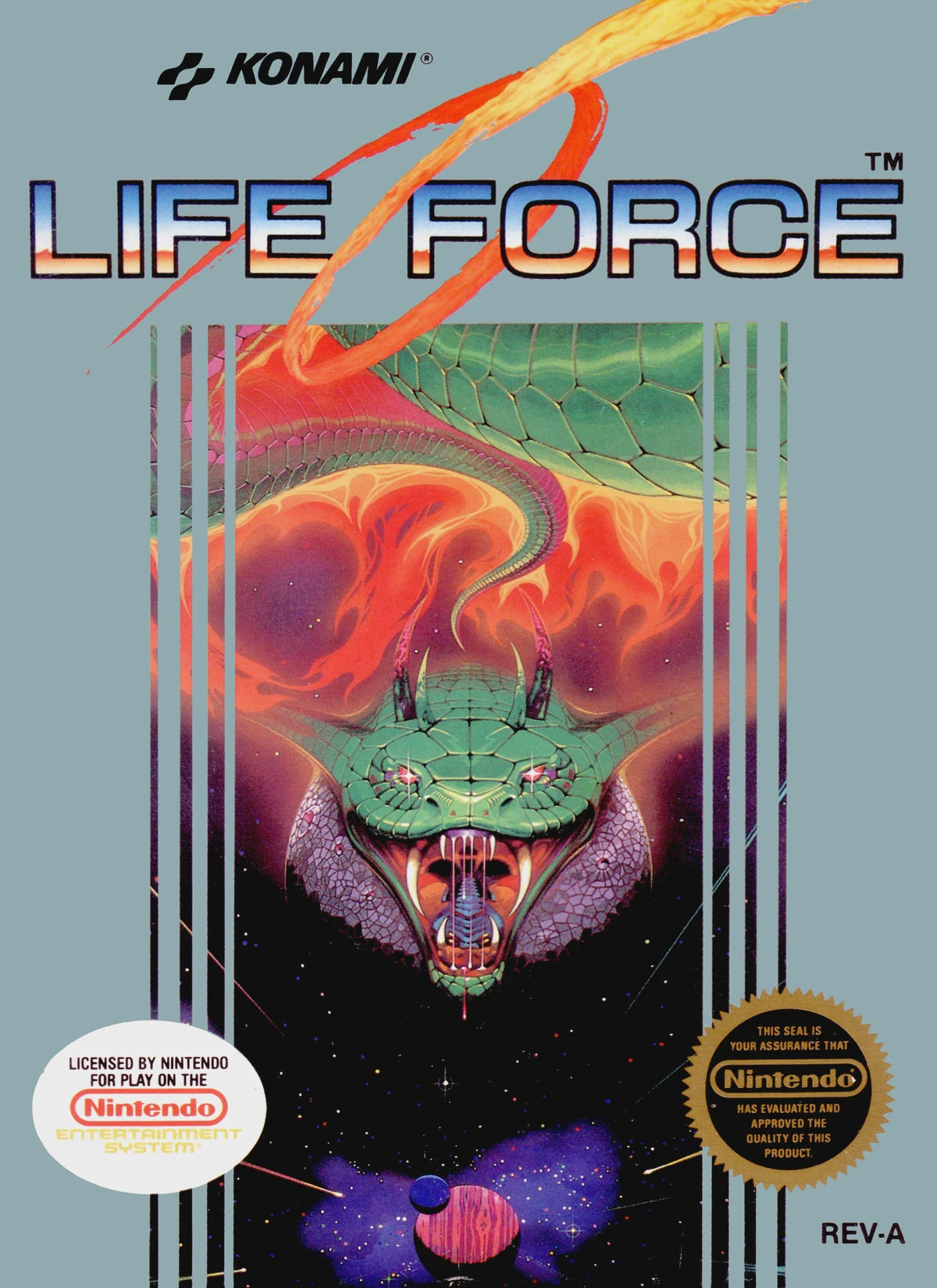
A classic horizontal and vertical space shooter, Life For...
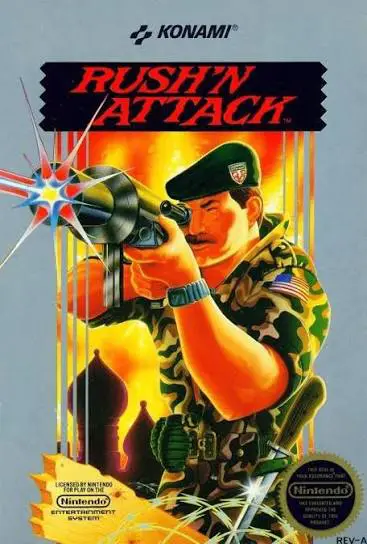
A hard-hitting Cold War stealth-action platformer, Rush'n...
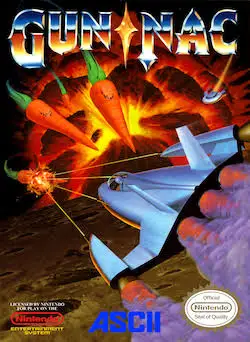
A fast-paced and comedic vertical shoot 'em up, Gun-Nac s...
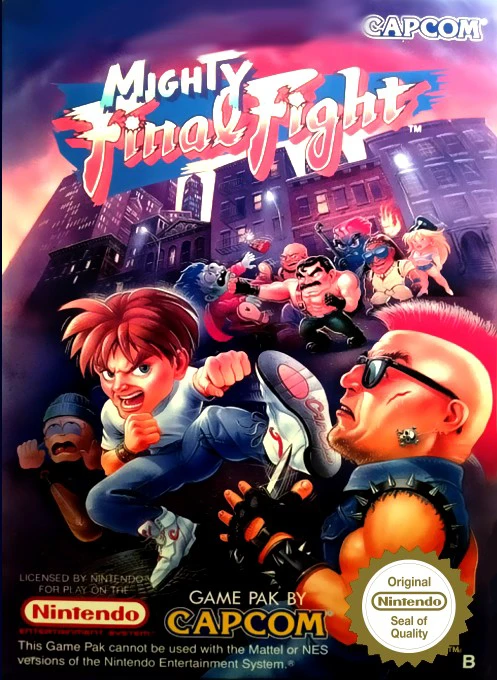
Mighty Final Fight is Capcom’s 1993 NES spin-off of the c...