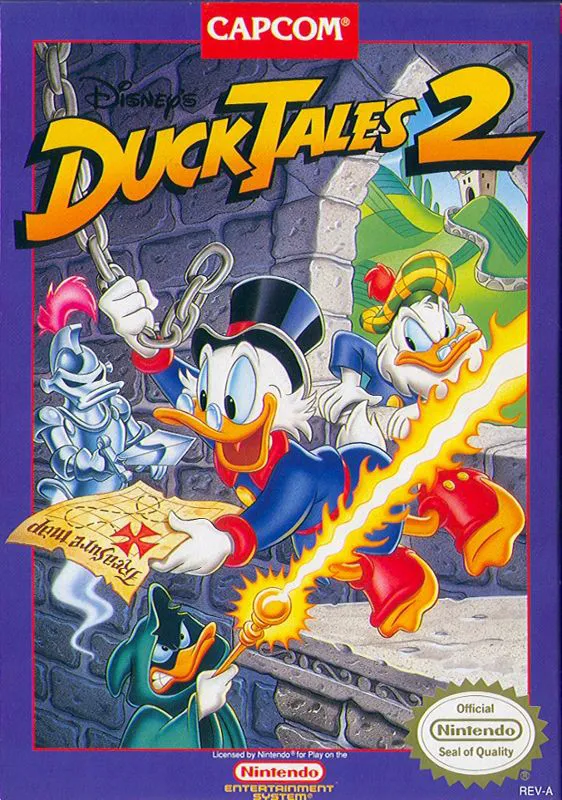
DuckTales 2
DuckTales 2 is Capcom’s 1993 sequel to the classic NES pl...

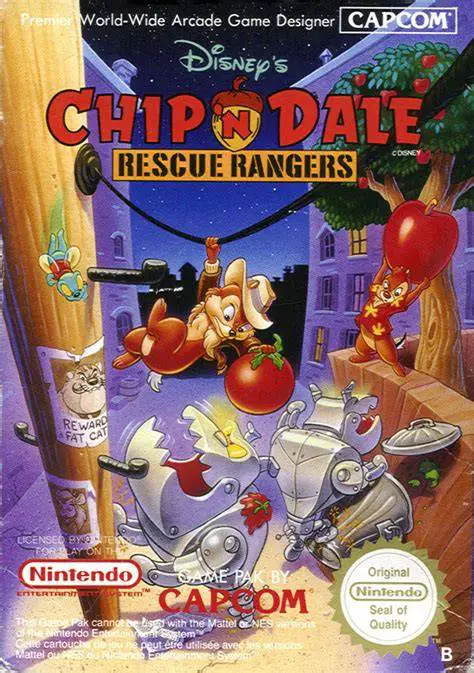
Chip ‘n Dale Rescue Rangers (known in Japan as Chip to Dale no Daisakusen) is a side-scrolling platform game developed and published by Capcom for the Nintendo Entertainment System. Released in North America and Japan in 1990 (Europe in 1991), it was created by many of the same staff behind Capcom’s other successful Disney games such as DuckTales.
The story begins when a little girl named Mandy asks the Rescue Rangers to find her missing kitten. After the first stage, Fat Cat reveals that the kitten was a distraction—he has actually kidnapped Gadget Hackwrench and plans to force her to invent devices for his criminal empire. Chip and Dale must travel through city streets, sewers, warehouses, parks, and Fat Cat’s casino and lair to rescue her.
Players can choose Chip or Dale in single-player mode, or both can play simultaneously in co-op (Controller 1 is Chip, Controller 2 is Dale). The main gameplay involves walking, jumping, ducking, and picking up objects such as crates, barrels, acorns, and balls to throw at enemies. Supporting characters appear as helpers: Monterey Jack breaks certain barriers, and Zipper grants temporary invincibility. With bright cartoon visuals, responsive controls, and fun co-op antics (players can even throw each other), the game is widely regarded as one of the best cooperative platformers on the NES.
Yes. The game supports full simultaneous cooperative play. Player 1 controls Chip and Player 2 controls Dale. Players can even pick each other up and throw one another.
They primarily pick up objects such as crates, barrels, acorns, or balls and throw them at enemies. There is no traditional weapon or projectile attack.
Monterey Jack appears to break certain barriers or doors, and Zipper the fly grants temporary invincibility when collected.
It is moderately challenging. Each character can take three hits before losing a life, and there are no passwords, so players must complete the game in one sitting or start over.
Yes. Chip ‘n Dale Rescue Rangers 2 was released for the NES in 1993, continuing the adventures with similar gameplay and new stages.
Download directly from this site, or use a cloud drive link below
⚠️ Download Tips:
DuckTales 2 is Capcom’s 1993 sequel to the classic NES pl...
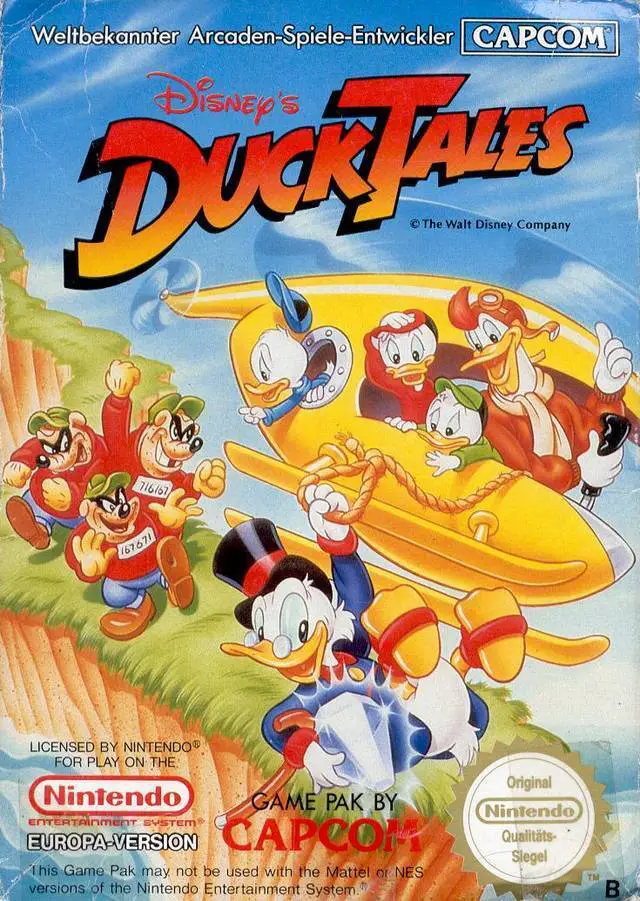
DuckTales is Capcom’s classic 1989 NES platformer based o...
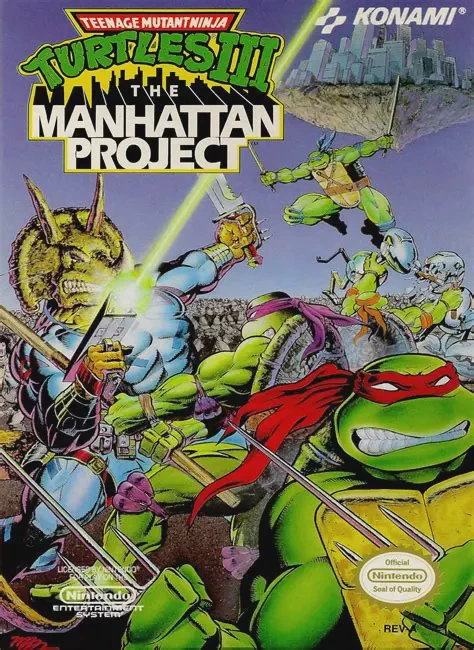
Teenage Mutant Ninja Turtles III: The Manhattan Project i...
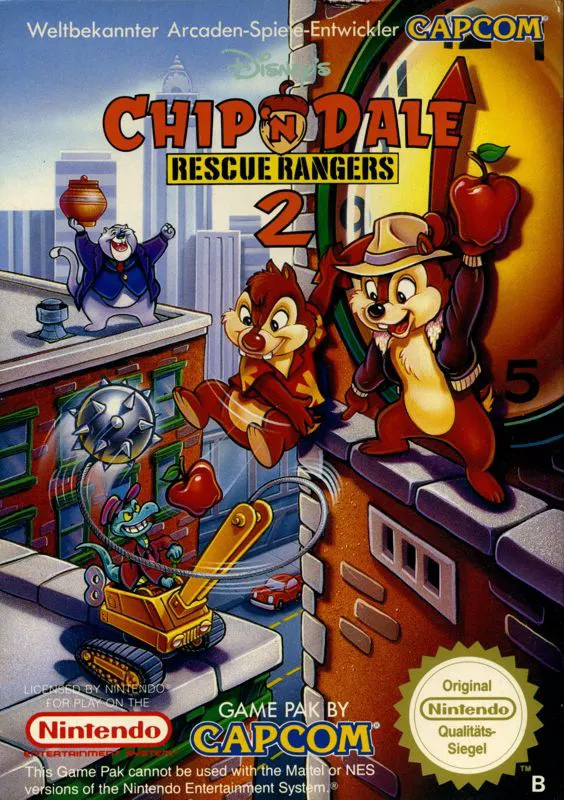
Chip 'n Dale Rescue Rangers 2 is Capcom’s 1993–1994 seque...
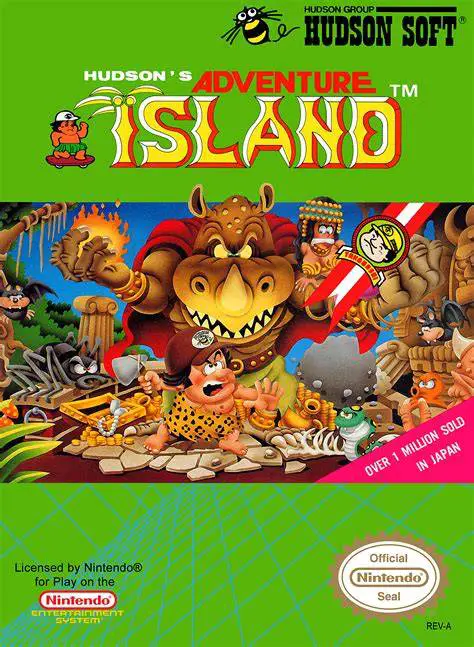
Adventure Island (known in Japan as Takahashi Meijin no B...