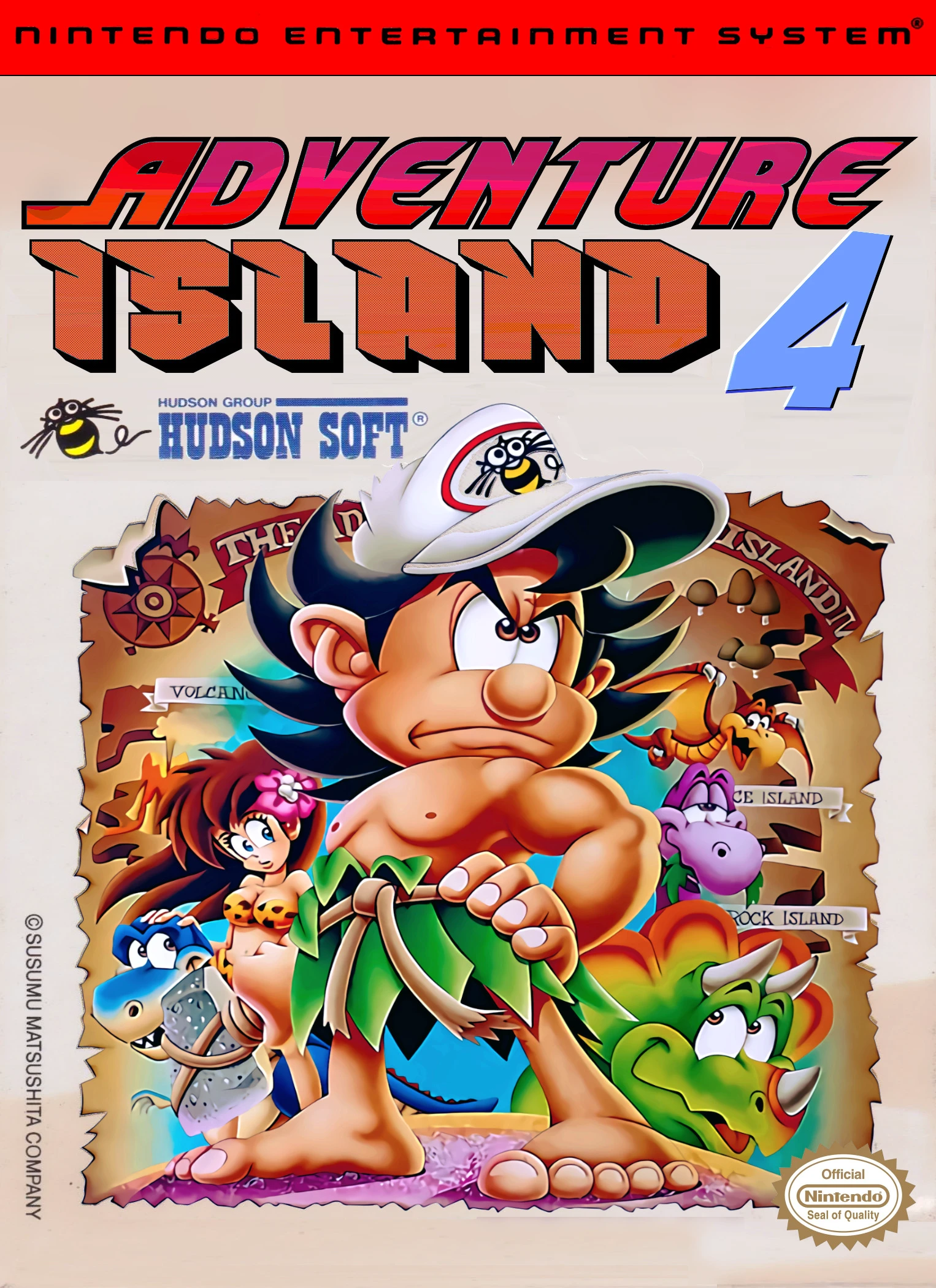
Adventure Island IV
Adventure Island IV (Takahashi Meijin no Bōken Jima IV) i...

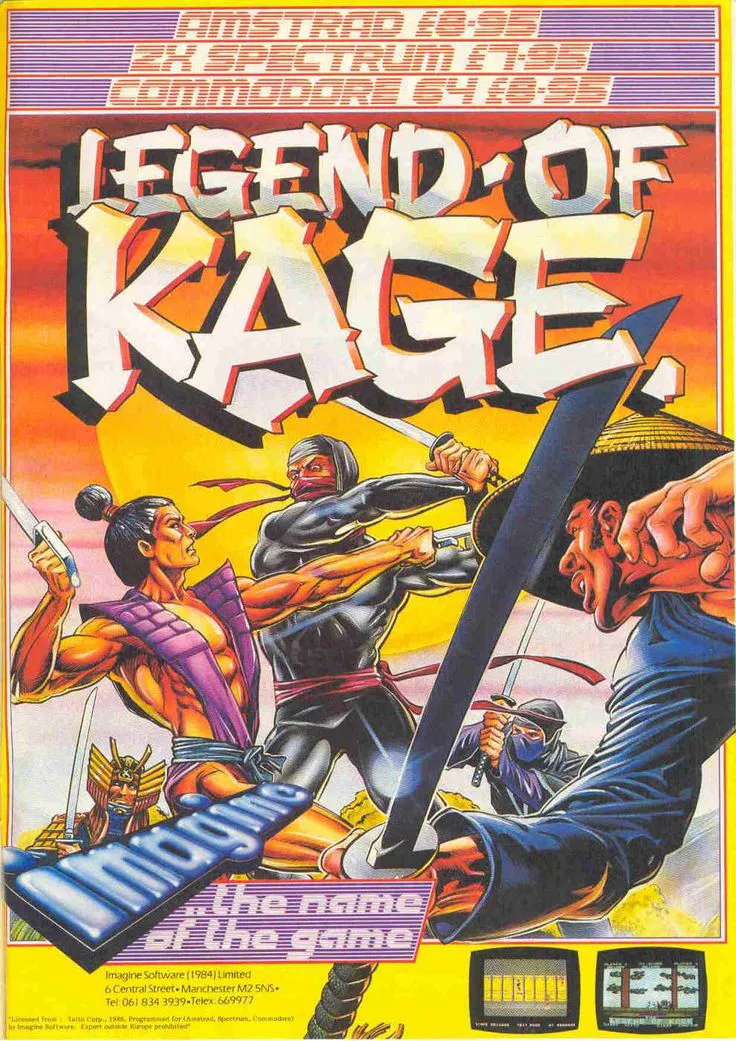
The Legend of Kage (Kage no Densetsu in Japan) is a side-scrolling hack-and-slash platform game originally developed and published by Taito for arcades in 1985. The Famicom version arrived in Japan on April 18, 1986, with the North American NES release following in August 1987.
Kage, a skilled Iga ninja, must rescue Princess Kiri (Kirihime), who has been kidnapped by the villainous warlord Yoshiro Yukikusa and his forces. The player progresses through a repeating sequence of stages: a forest, an underground passageway, a fortress wall, and the castle interior. In the NES version, the princess must be rescued three times (twice in the arcade), with the seasons changing from summer to autumn to winter after each successful rescue.
Gameplay emphasizes speed and precision. Kage can jump extremely high, climb trees and walls, throw shuriken in eight directions, and slash with his kodachi shortsword (which can also deflect enemy projectiles). Enemy ninjas appear suddenly from all directions. The NES port adds power-up orbs that change Kage’s outfit color and grant increased power or speed, plus the ability to absorb a hit before reverting to normal. Bosses require defeating a butterfly first before they become vulnerable. The game is short but highly challenging and loops with increasing difficulty.
In the NES version, Princess Kiri must be rescued three times to complete the game. Each successful rescue advances the season and increases the challenge.
Kage is armed with a kodachi shortsword for close-range attacks and an unlimited supply of shuriken that can be thrown in eight directions. The sword can also block enemy projectiles.
Yes. Collecting crystal orbs changes Kage’s outfit color (from red to green to orange), increasing his power and/or speed and allowing him to absorb one hit before reverting to normal.
Enemy ninjas spawn rapidly from all directions, the controls (especially jumping by pressing up) can feel unusual, and the NES version limits the number of shuriken on screen. Precision and constant movement are required.
Yes. A sequel titled The Legend of Kage 2 was released for the Nintendo DS in 2008.
Download directly from this site, or use a cloud drive link below
⚠️ Download Tips:
Adventure Island IV (Takahashi Meijin no Bōken Jima IV) i...
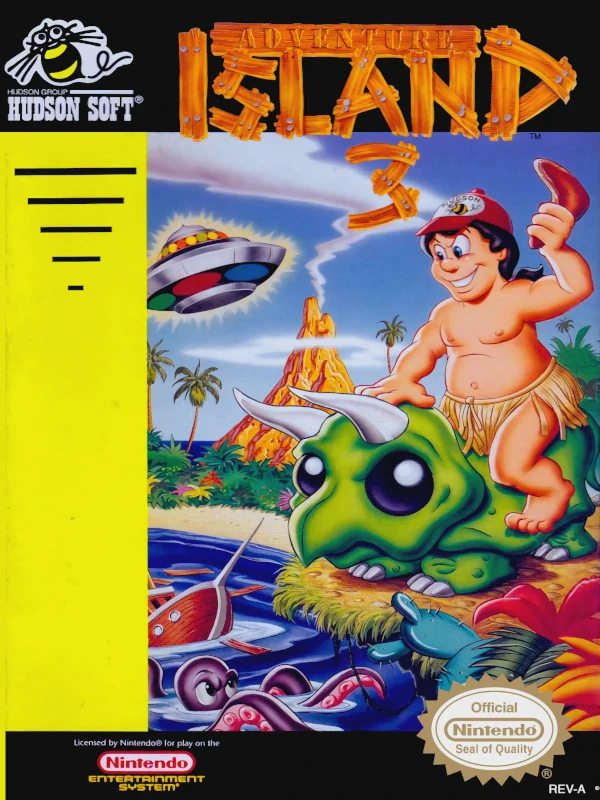
Adventure Island III (also known as Adventure Island 3) i...
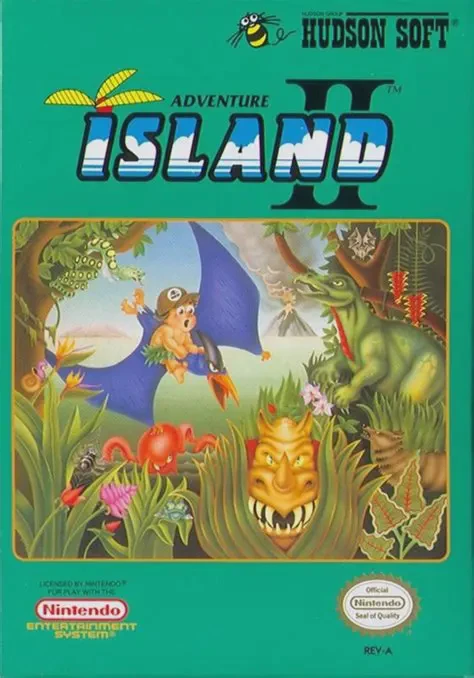
Adventure Island II is Hudson Soft’s 1991 NES sequel to t...
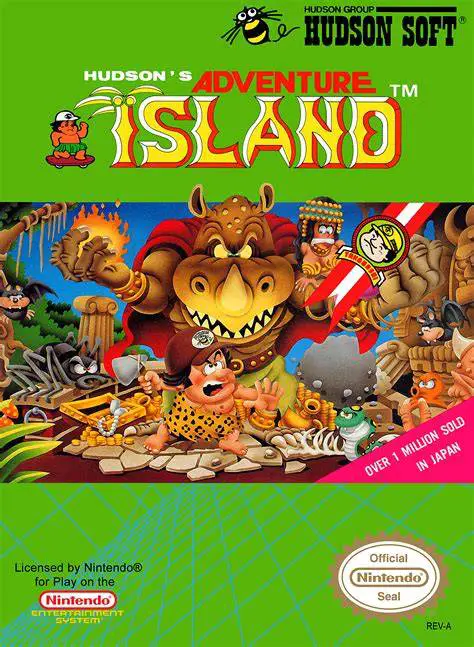
Adventure Island (known in Japan as Takahashi Meijin no B...
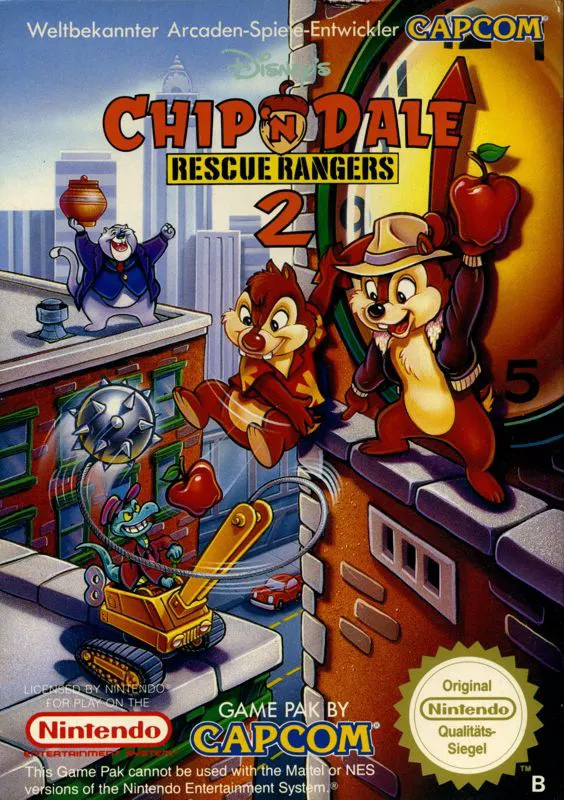
Chip 'n Dale Rescue Rangers 2 is Capcom’s 1993–1994 seque...